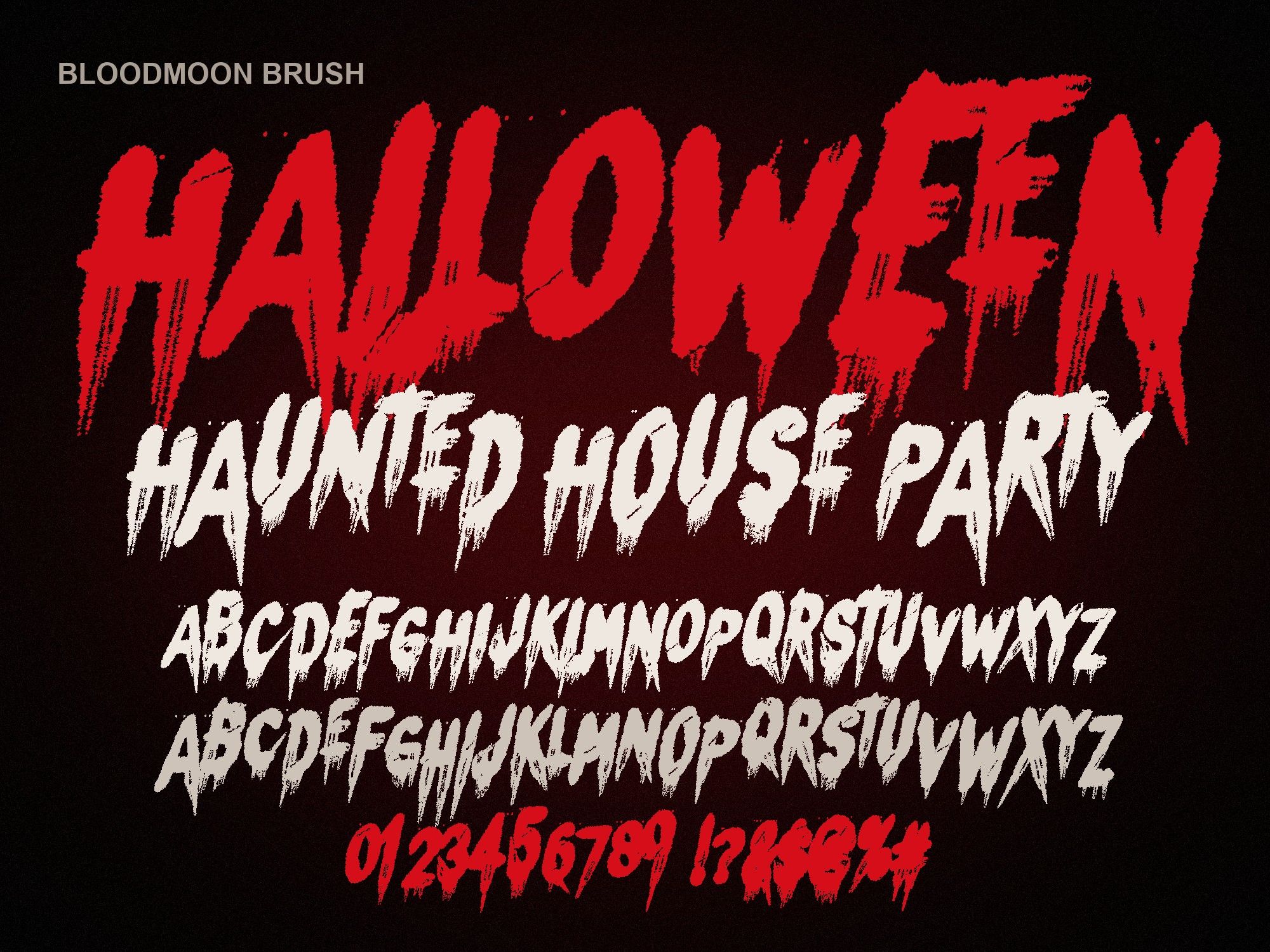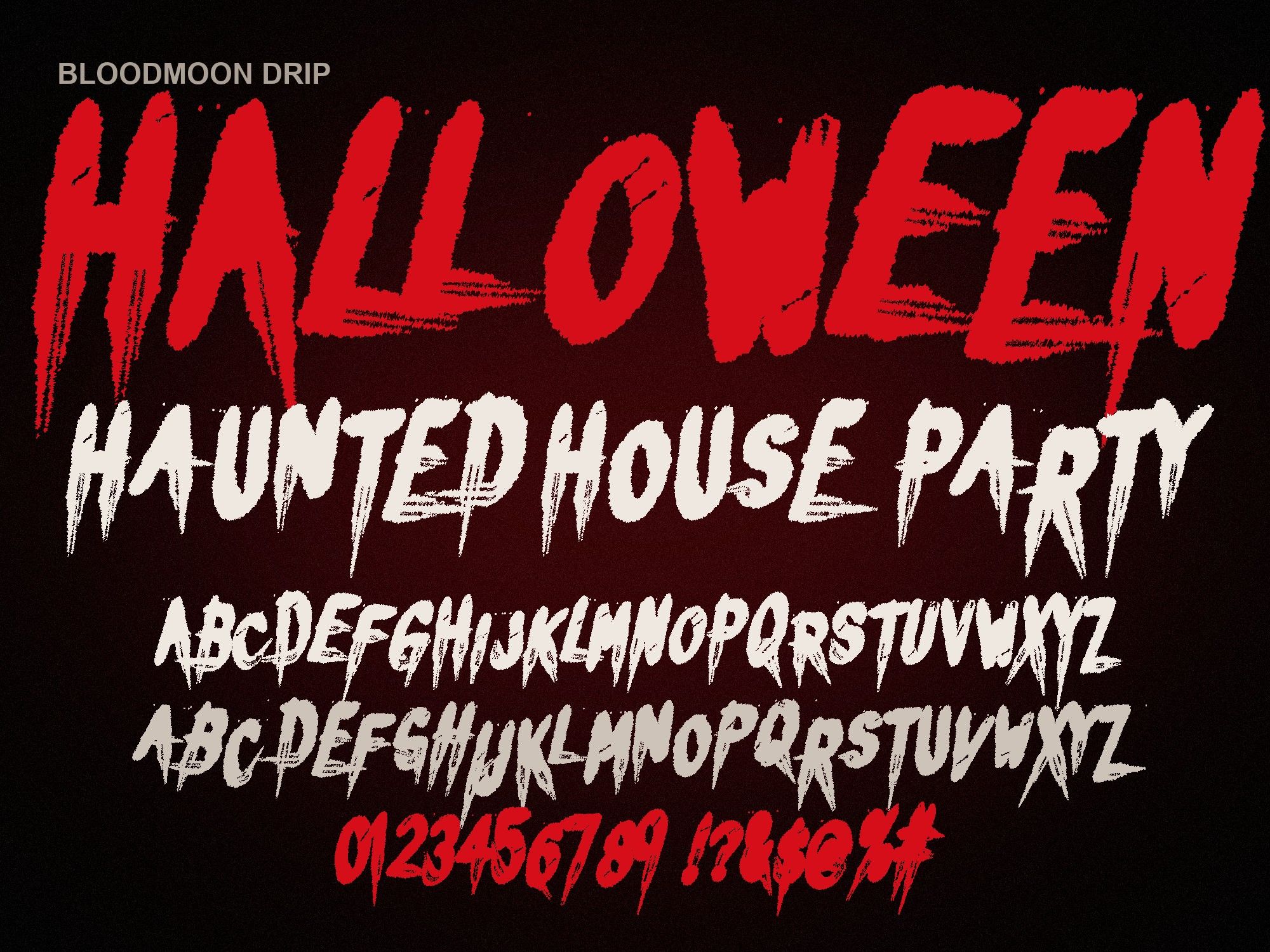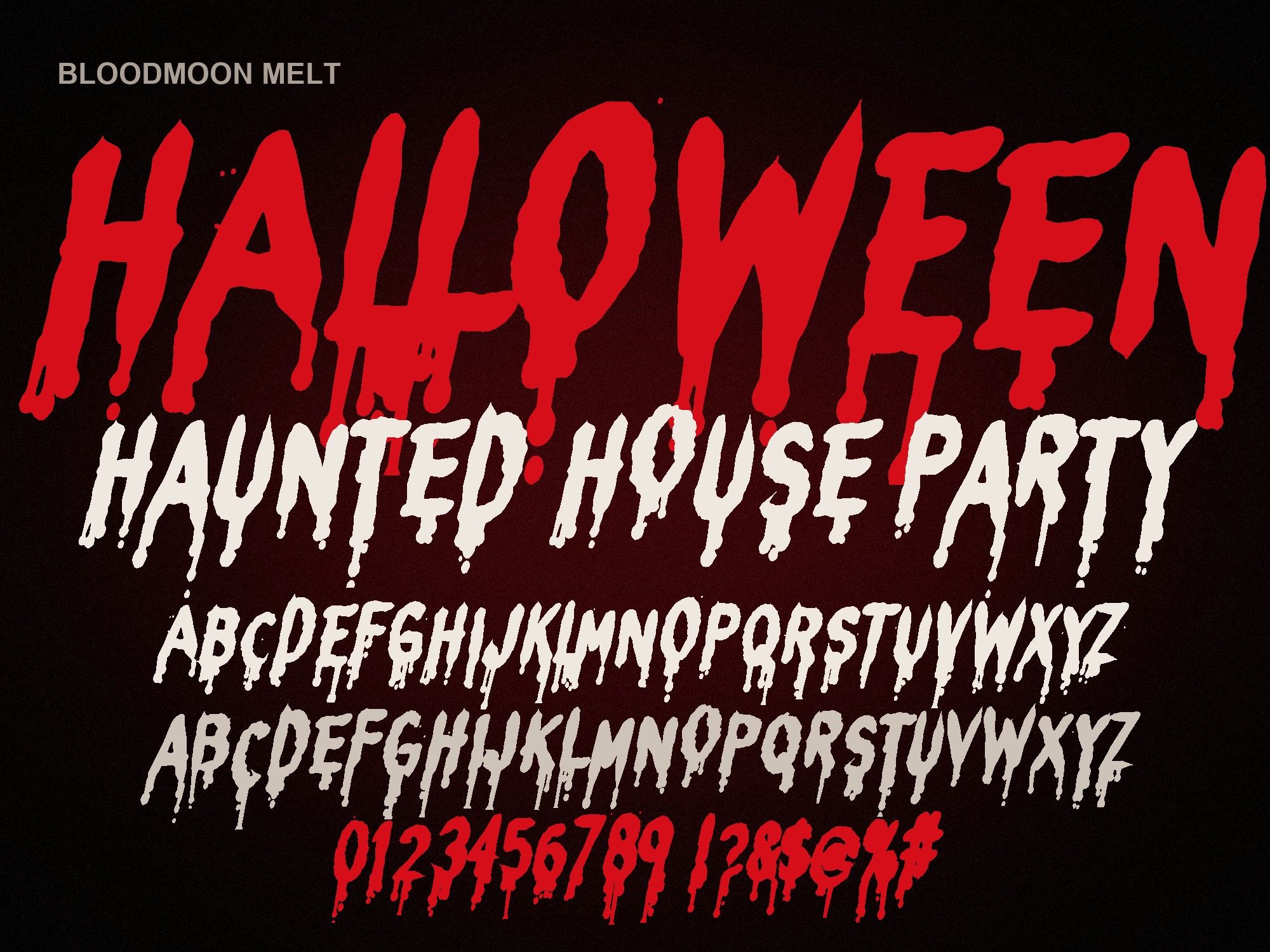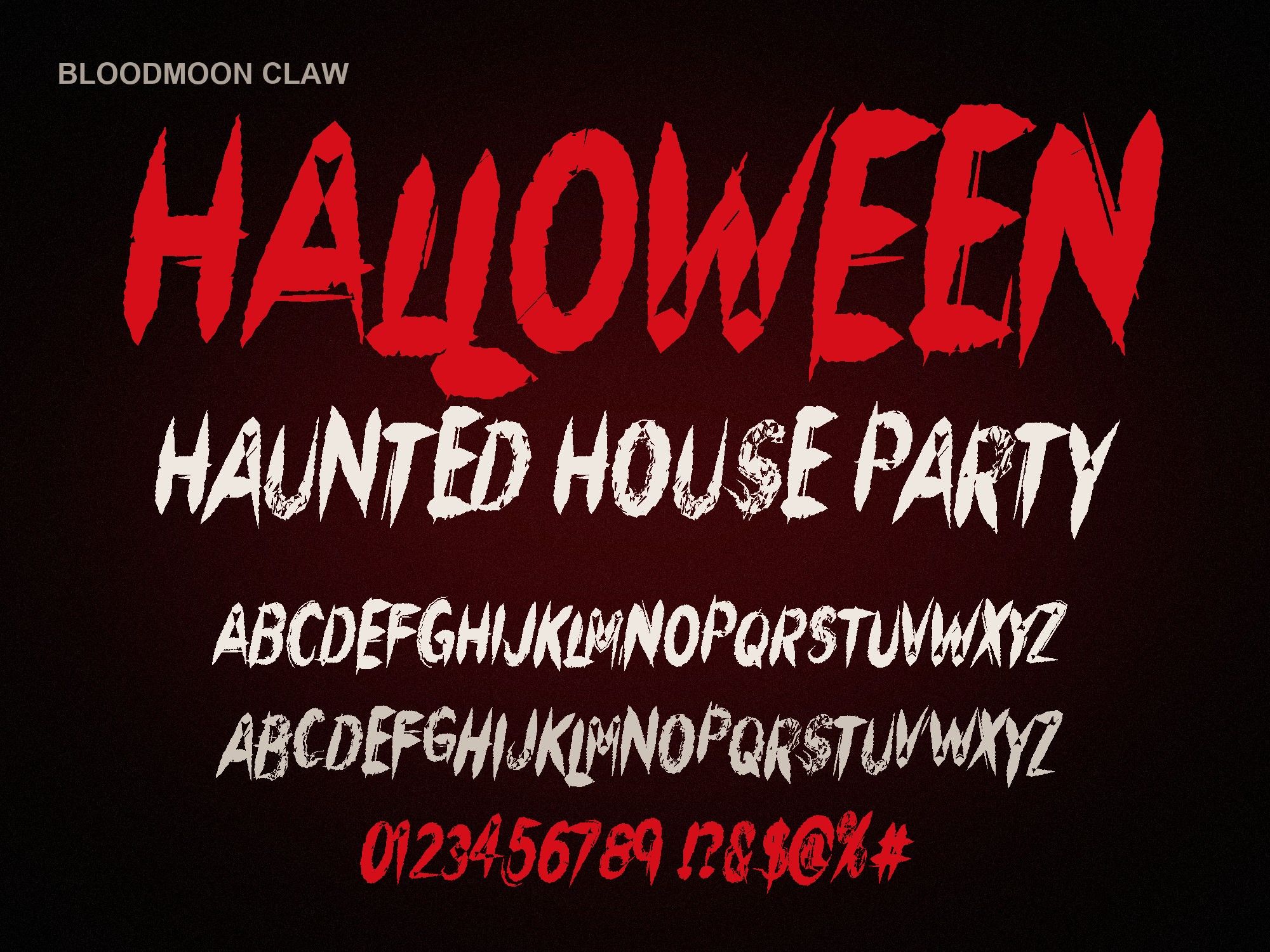
Scary Fonts for Microsoft Word
Teachers making a spooky worksheet, offices printing a costume contest sign, kids writing a ghost story: a lot of Halloween design still happens in Word. These scary fonts for Microsoft Word install like any other font and show up in Word's font list once you restart it.
Install on Windows
- Unzip the download. Right-click the zip and choose Extract All. Word can't read fonts inside a zip.
- Right-click the .otf file and choose "Install". Pick "Install for all users" if you share the PC.
- Close Word completely, then open it again.
Install on Mac
- Unzip the download by double-clicking it.
- Double-click the .otf and click "Install Font" in the window that opens.
- Quit Word (Word menu, Quit Word) and reopen it. Closing the window is not enough.
OTF or TTF? Start with the OTF. If Word shows the wrong spacing, blank boxes, or won't list the font, remove the OTF and install the TTF from the same folder. Only keep one of them installed.
Word tips that keep it readable
- Go big. These are display fonts. Use 36 pt or larger for a title. At 12 pt the drips blur into blobs.
- Add a shadow. Select the title, open Text Effects and add an outer shadow. A dark shadow behind red text makes it pop on white paper.
- Keep it to headings. A full paragraph in a horror font is hard work to read. Set the story or instructions in Calibri or another plain font.
- Watch the line below. Drips hang under the letters, so add space after the heading.
The best pick for Word
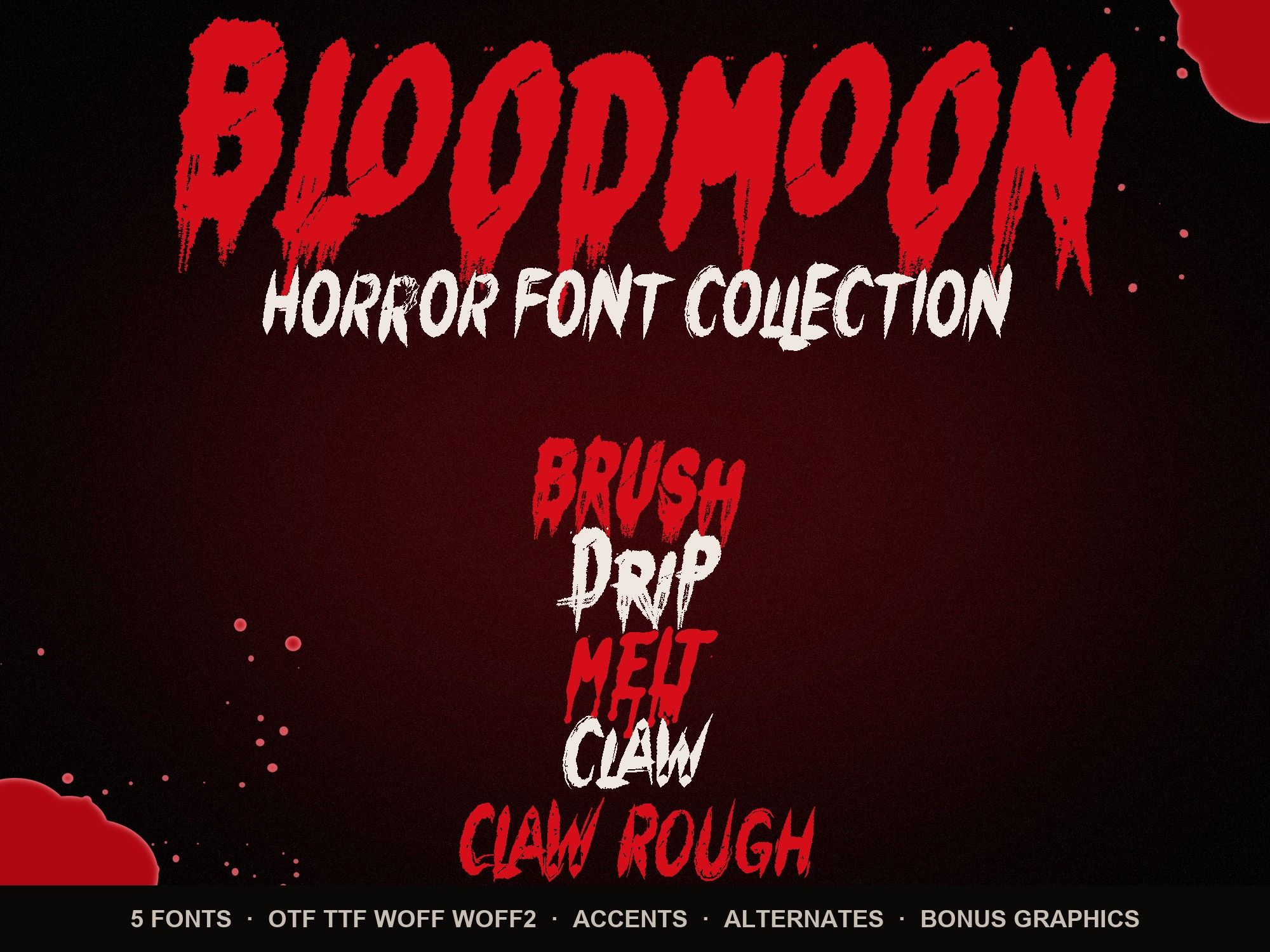
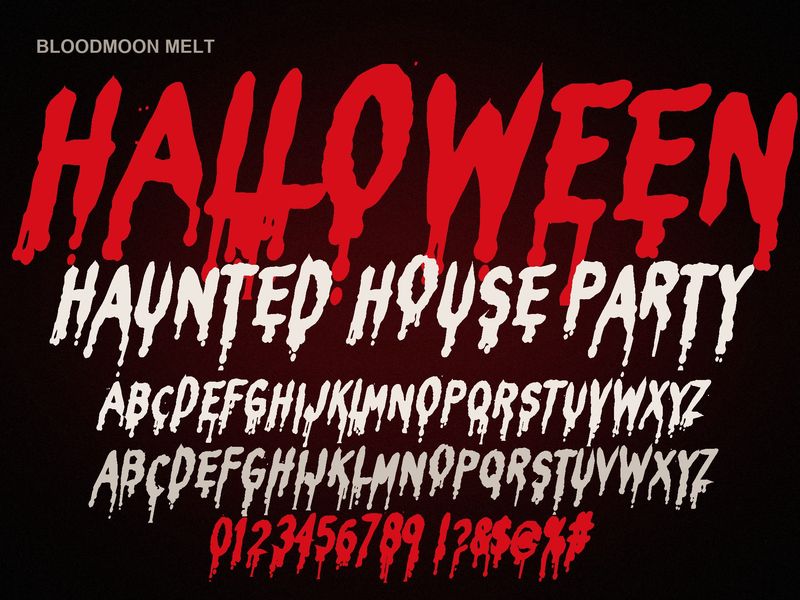
Of the five, the melting blood font (Bloodmoon Melt) reads most clearly, which matters on a printed handout. For a sharper look on a flyer, the claw scratch font is clean too. Planning a party poster? See our Halloween party flyer fonts page for layout ideas.
GHOST STORY
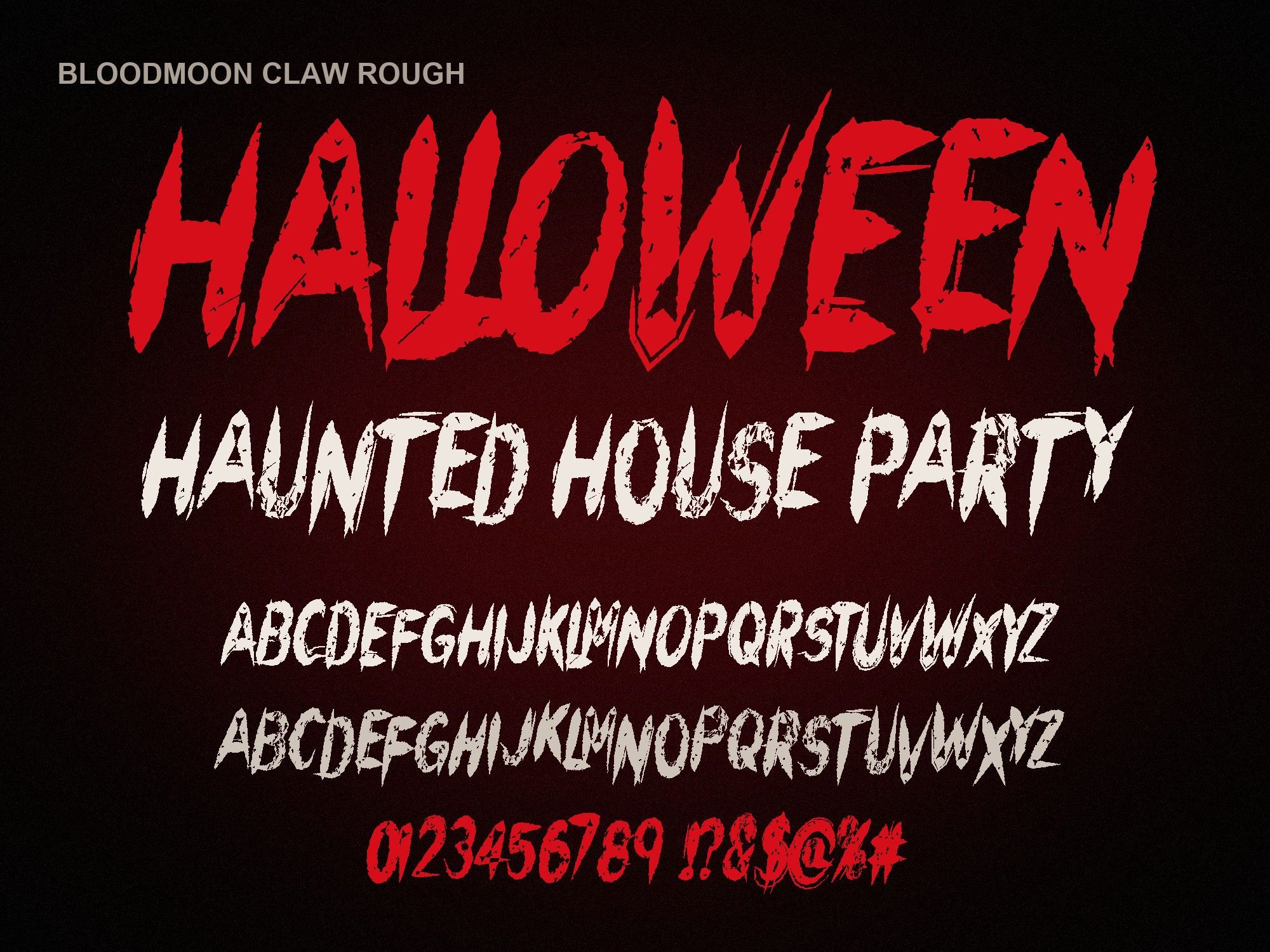
Preview shows capitals, numbers and basic punctuation. The full font adds a second drawing of every letter, accents and auto-alternates.
Bloodmoon Melt is $6. All five come in the horror font bundle for $14.
Instant download from Gumroad · OTF, TTF, WOFF, WOFF2 · Commercial license · Use LAUNCH30 for 30% off until Oct 31
Questions people ask
Will the font show up if I email my Word file to someone?
Only if they have the font installed too. If they don't, Word swaps in a default font and your design falls apart. The safe way to share is to save or export the document as a PDF and send that.
Does it work in Google Docs?
No. Google Docs can't load fonts you install on your computer, so these won't appear there. Use Word, or make a picture in the free dripping blood text generator and insert it as an image.
I installed it but Word still doesn't list it. What now?
Quit Word fully, not just the document window, and reopen it. Still missing? Uninstall the OTF and install the TTF version instead.