Font FAQ
Short answers to the questions we get most about the Bloodmoon fonts. They're grouped by topic: buying, installing, using them in apps, and the license. Tap a question to open it. If yours isn't here, email contact@automiq.ai and we usually answer within 24 hours.
A few things up front, because they come up a lot. These are display fonts, so they look best large: titles, shirts, posters, logos. They don't have true lowercase. Canva needs a paid plan to upload fonts. Google Docs can't use them at all.
Buying
What do I get when I buy?
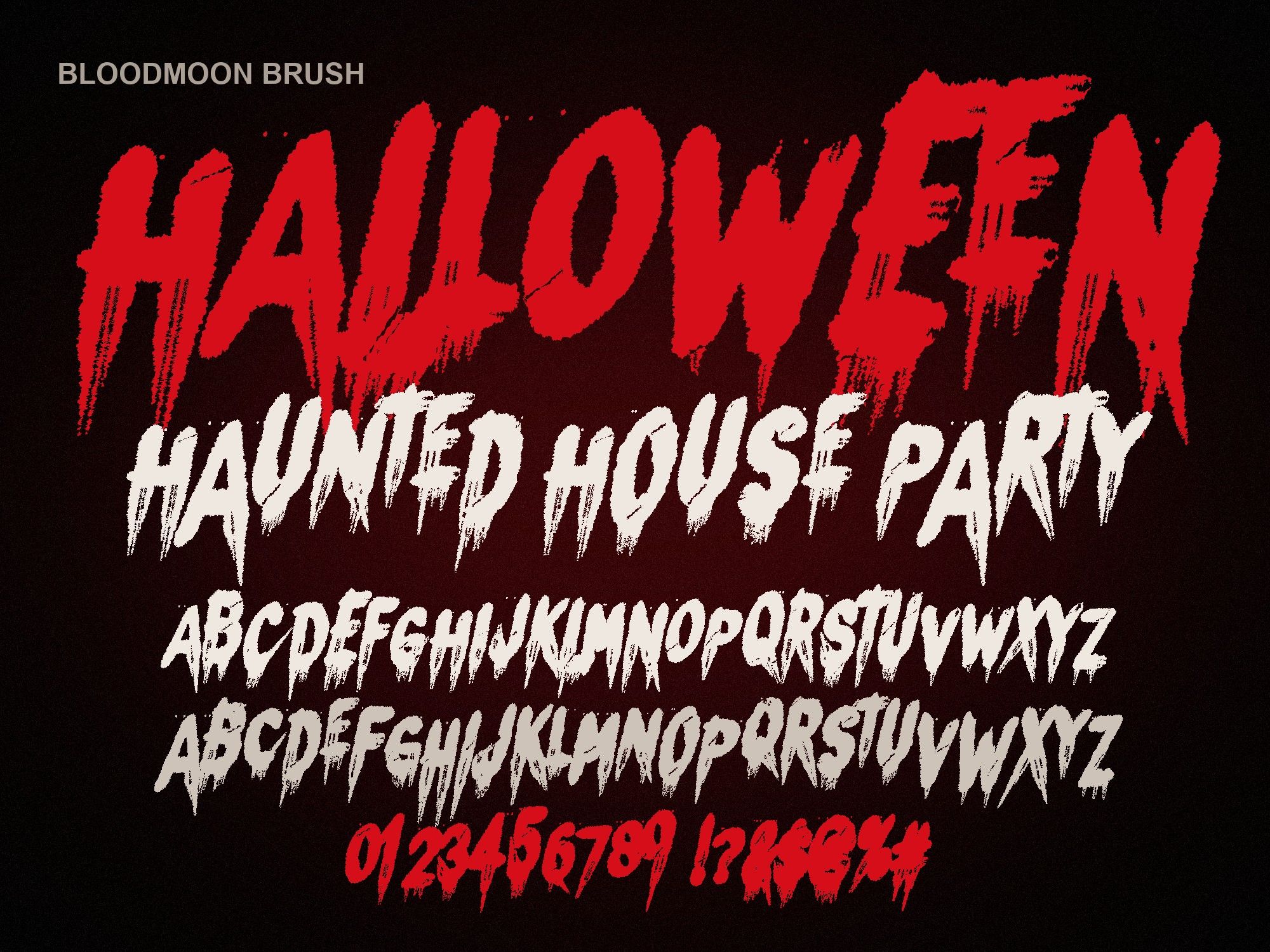
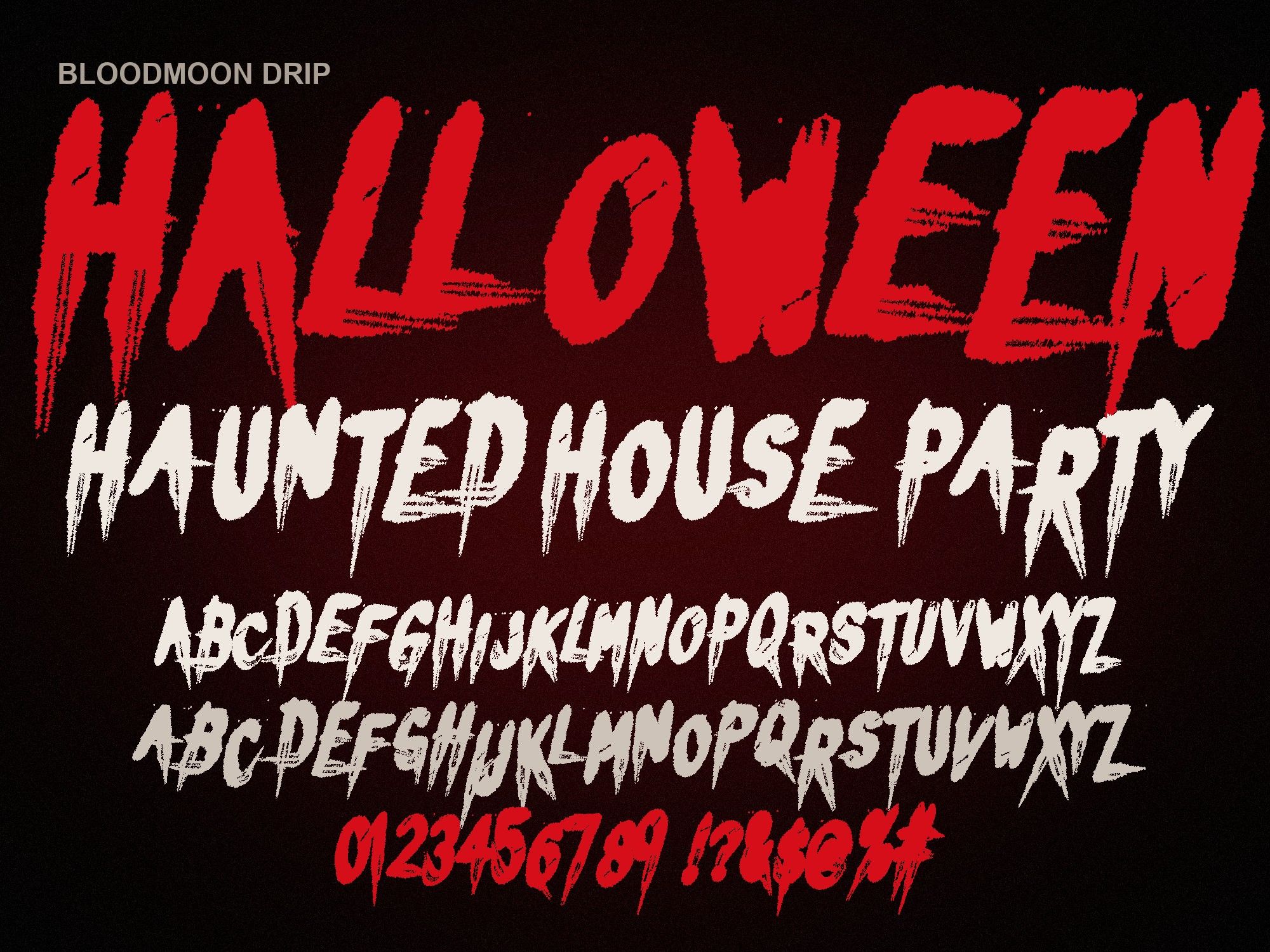
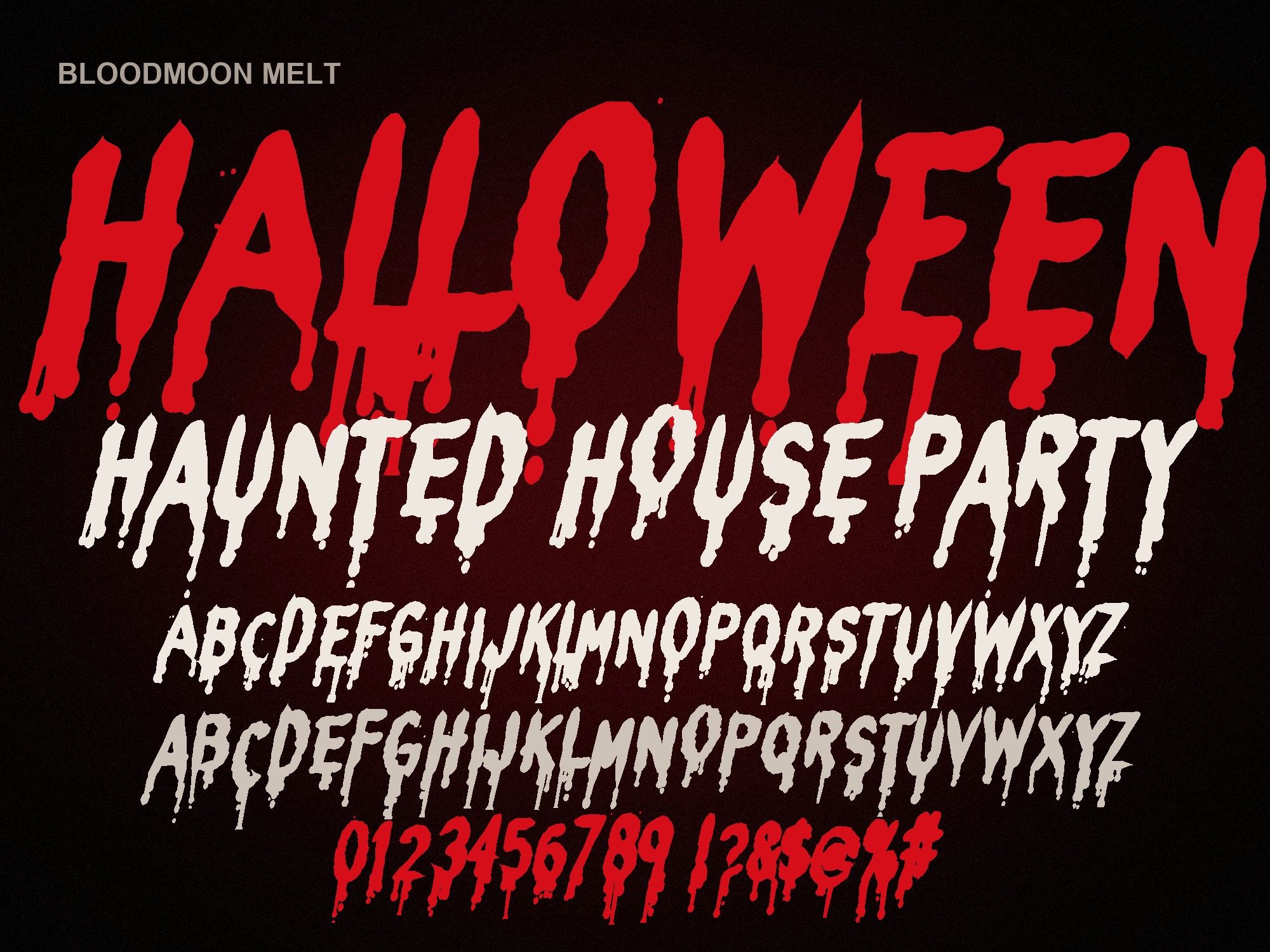
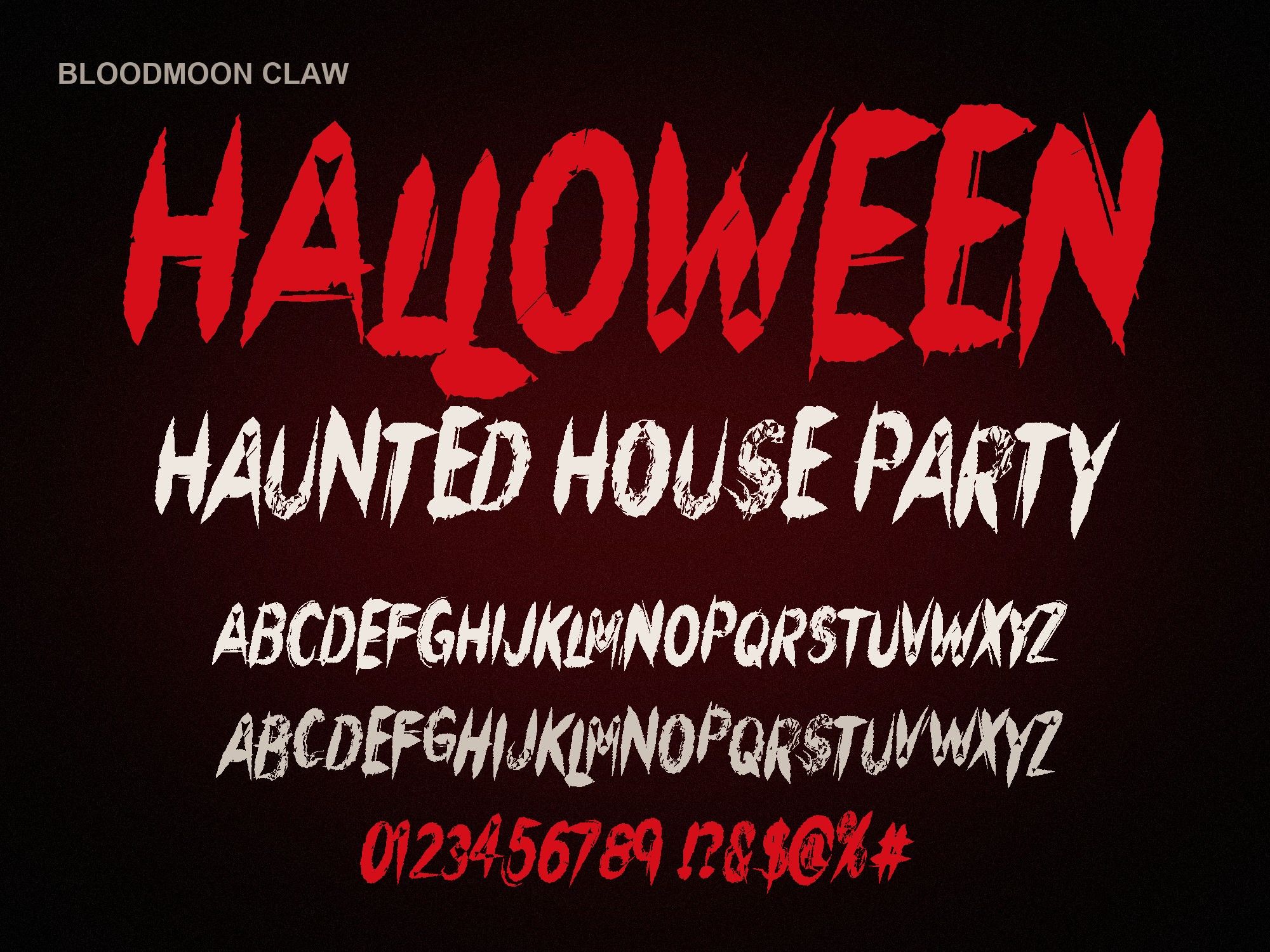
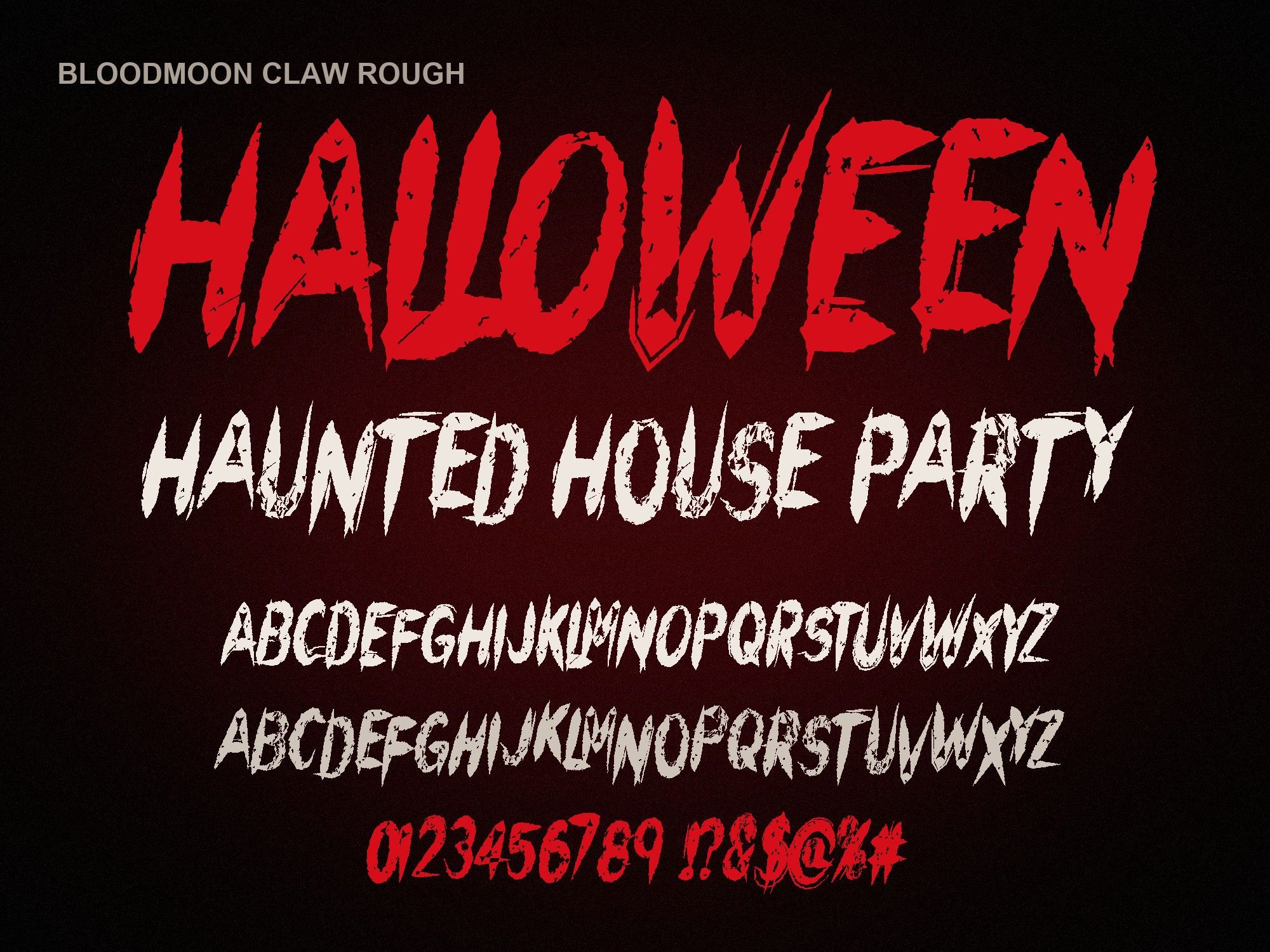
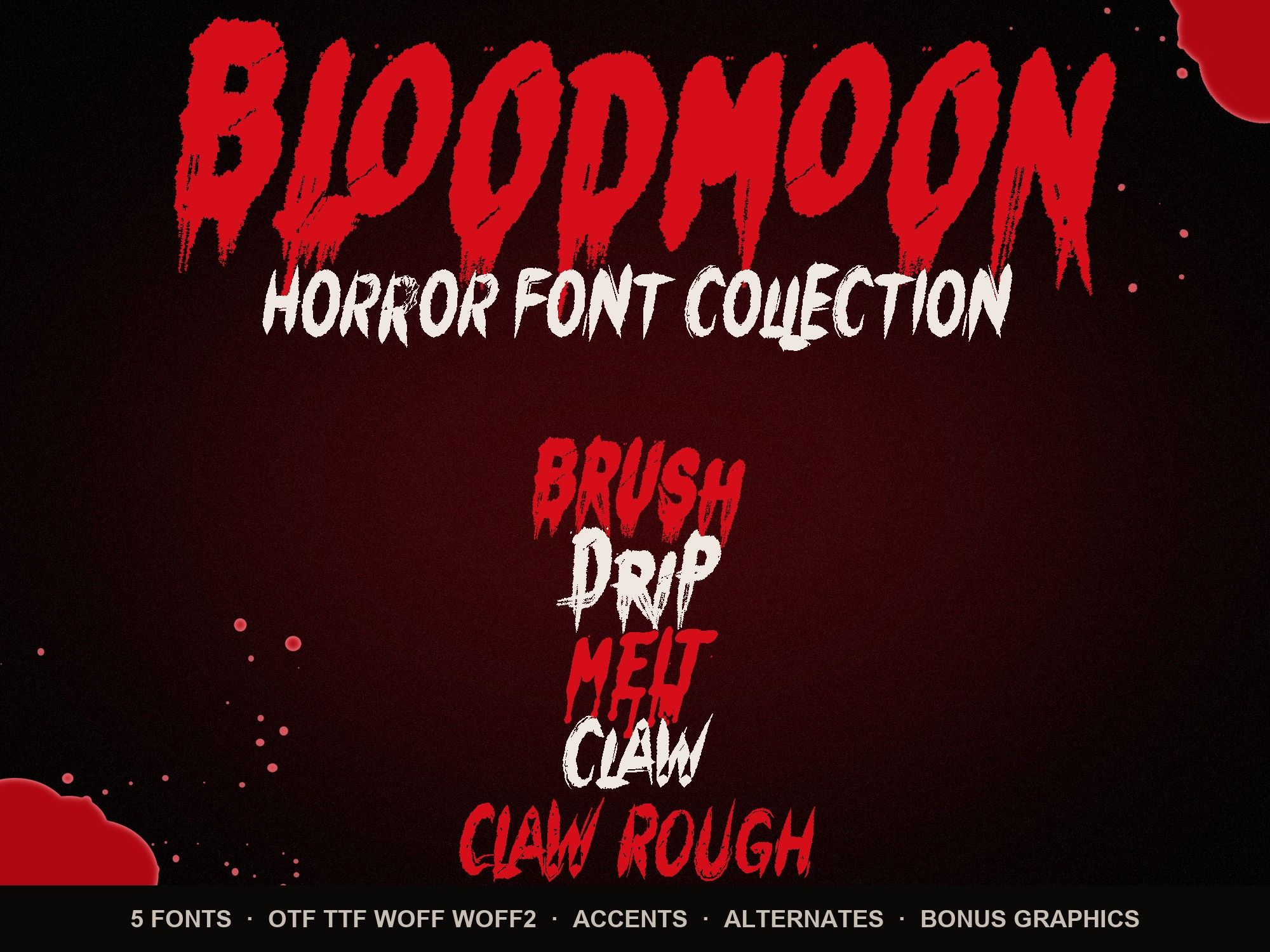
A zip with the font in four formats (OTF, TTF, WOFF, WOFF2), a README and the license. Each font has 154 glyphs: capitals, a second drawing of every capital on the lowercase keys, numbers, punctuation, symbols and accents. The horror font bundle adds 14 transparent PNGs: 6 splatters, 3 drip borders and 5 word-art designs.
How much do the fonts cost?
$6 per font, or $14 for all five plus the bonus PNGs. Payment and download happen on Gumroad, and the files arrive right after checkout.
Are the fonts free?
No, they're paid fonts. You can try the styles for free in the dripping blood text generator, which makes watermarked 1200 px PNGs from the preview characters.
Which font should I buy?
It depends on the job. Melt is the most readable, Claw is cleanest for logos, Brush is the classic painted look. The best Halloween fonts guide compares all five by project.
Installing
OTF or TTF: which file do I install?
Use the OTF on Mac or Windows. If an older app, Word or Silhouette gives you trouble, uninstall it and use the TTF. Install one or the other per font, not both. WOFF and WOFF2 are for websites only.
How do I install a font on Mac or Windows?
Unzip the download first. On a Mac, double-click the .otf and click "Install Font". On Windows, right-click the .otf and choose "Install" (or "Install for all users").
Can I install the fonts on an iPhone or iPad?
Yes, with a font installer app such as iFont. Save the .otf to the Files app, open it in the installer and follow its steps. After that, apps that use system fonts can see it.
I installed the font but my app can't see it.
Fully quit the app and reopen it; most apps only read the font list at startup. Still missing? Check the font is really installed, make sure you unzipped first, then try the TTF. The Cricut install guide has a longer checklist.
Using the fonts in apps
Do they work in Canva?
Yes, with Canva Pro or Teams. Go to Brand Kit, choose "Upload a font" and pick the .otf. Free Canva accounts can't upload fonts. See dripping blood text in Canva for a workaround.
Do they work in Cricut Design Space?
Yes. Install the font on your computer, restart Design Space and pick it from System fonts. More on Halloween fonts for Cricut.
Do they work in Procreate?
Yes. In your canvas, go to Actions, Add, Add text, then Edit style and Import font. Pick the .otf from Files. Details on horror fonts for Procreate.
Do they work in Microsoft Word or Google Docs?
Word: yes. Install the font, fully quit Word and reopen it, and the font appears in the list. See scary fonts for Microsoft Word. Google Docs: no. It can't load fonts you install yourself.
Is there real lowercase?
No. These are all-caps display fonts. The lowercase keys type a second drawing of each capital, so mixing cases ("HaUNTeD") gives a hand-made look. In apps with OpenType support, doubled letters like LL or OO switch drawings automatically.
License
Can I sell shirts, stickers or Cricut projects made with the fonts?
Yes. The standard license covers printed products you sell, print-on-demand, and cutting-machine projects. You can't sell or share the font files themselves. Read the license.
Can I make a logo for a client?
Yes. The client gets the finished artwork, not the font files. Note that you can't register the font designs themselves as a trademark.
Can I sell Canva templates that use the fonts?
Not with the standard license. Editable templates for resale need an Extended License. Email contact@automiq.ai.
Still stuck?
Tell us which font you bought, the app you're using and your device, and we'll walk you through it. Our contact page lists what helps us answer fastest. Ready to pick a style? Start with the melting blood font if readability matters most, or get every style at once:
Instant download from Gumroad · OTF, TTF, WOFF, WOFF2 · Commercial license · Use LAUNCH30 for 30% off until Oct 31