Dripping Blood Text Generator
Type a word, pick a horror style, download a PNG. It runs in your browser, so nothing is uploaded anywhere.
Capitals, numbers and ! ? . , ' - & work in the free preview.
Free downloads are 1200px wide with a small watermark. Want it without a watermark and in any app? Get the font, $6, or all 5 fonts for $14.
How to make dripping blood text
- Type your words. Up to three lines. Short works best: one name, one date, one scary word.
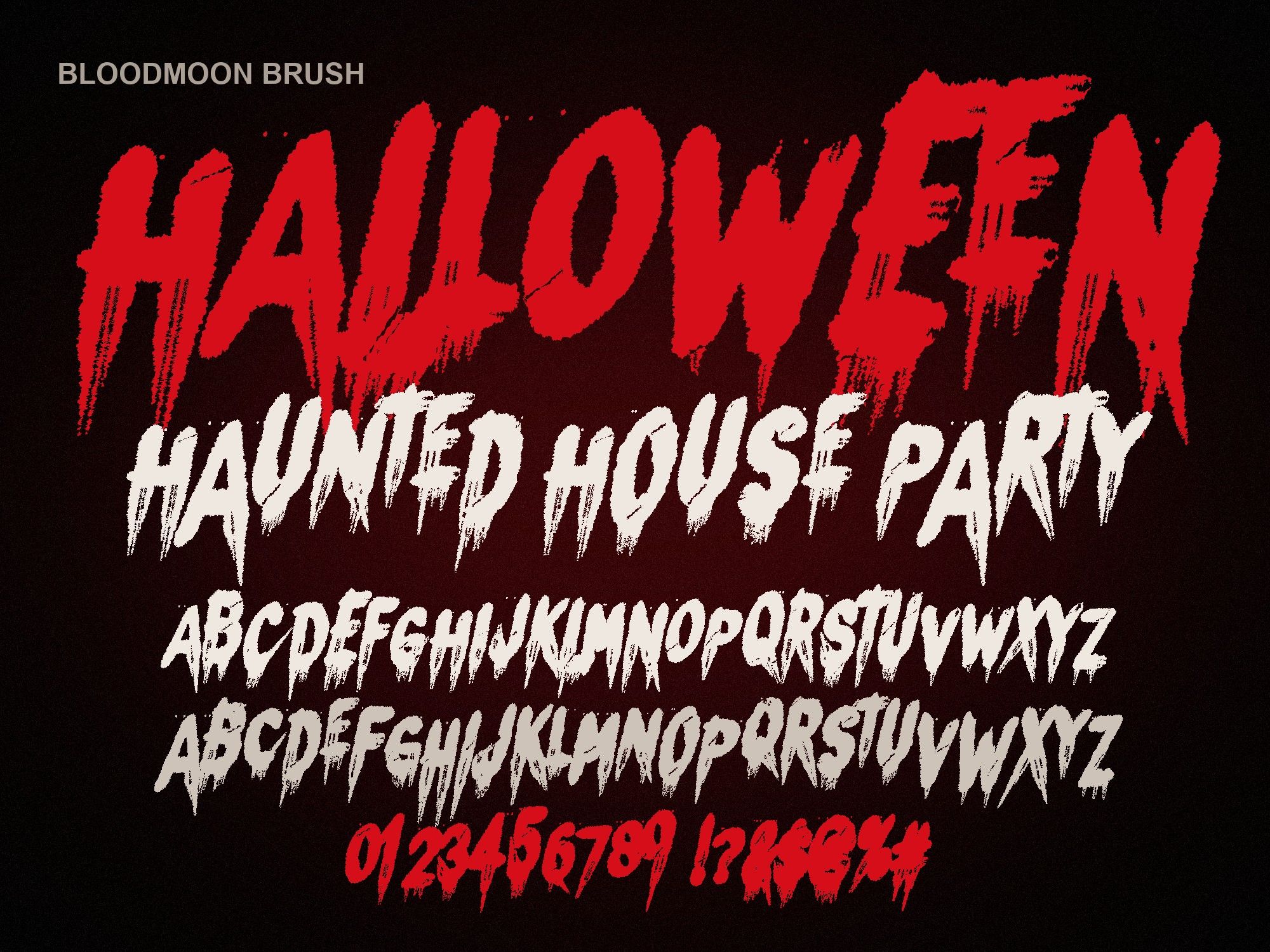
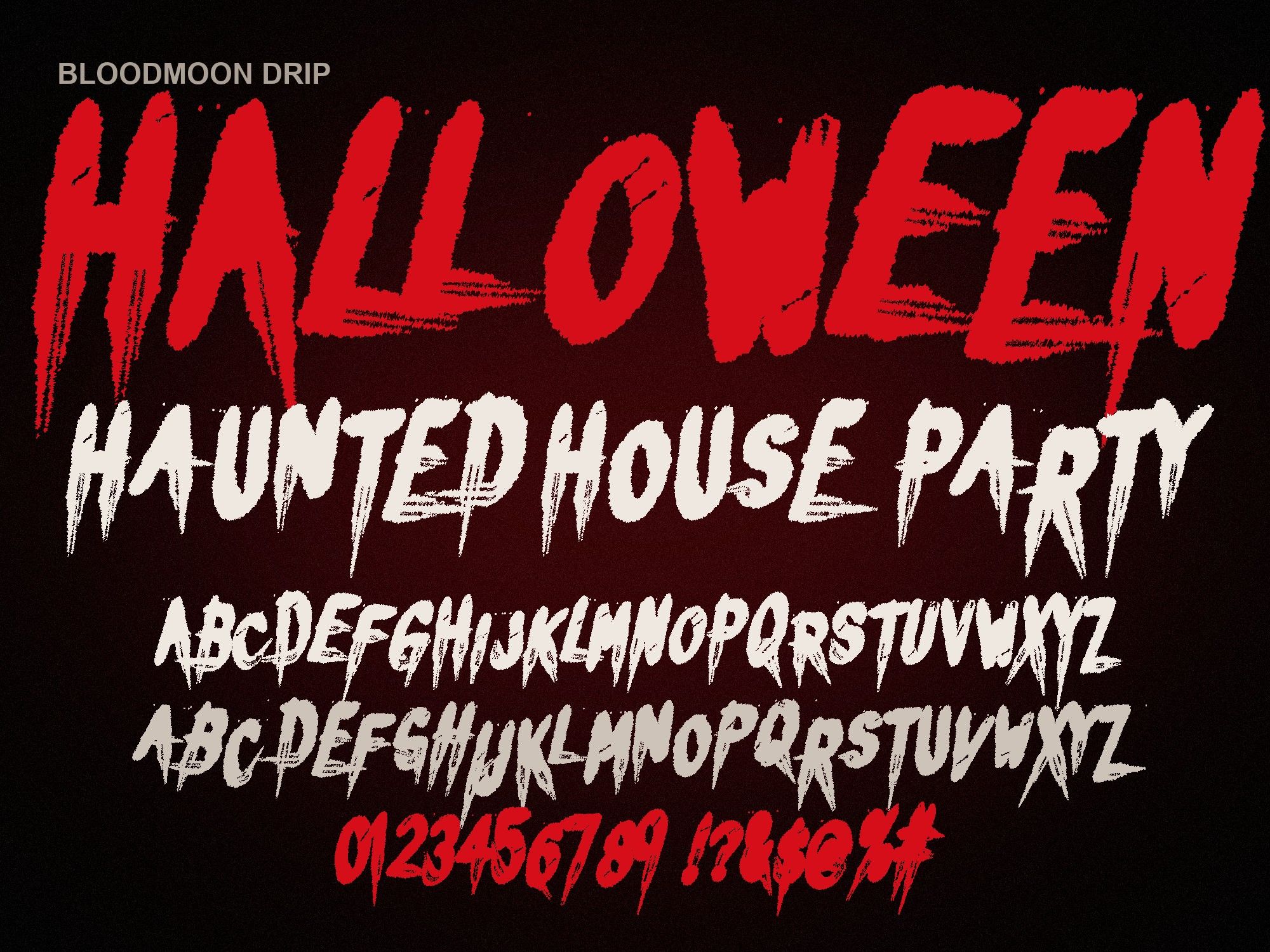
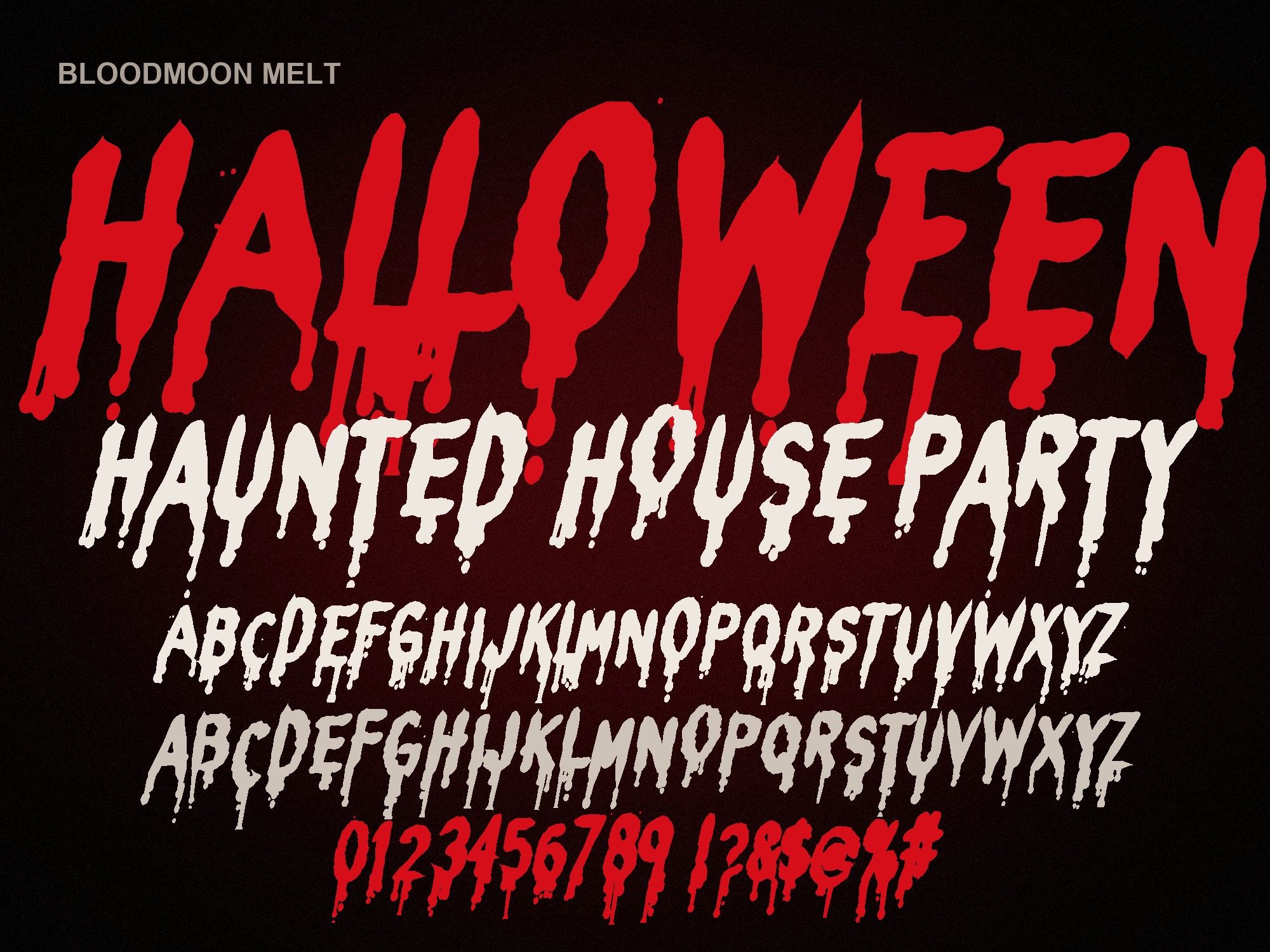
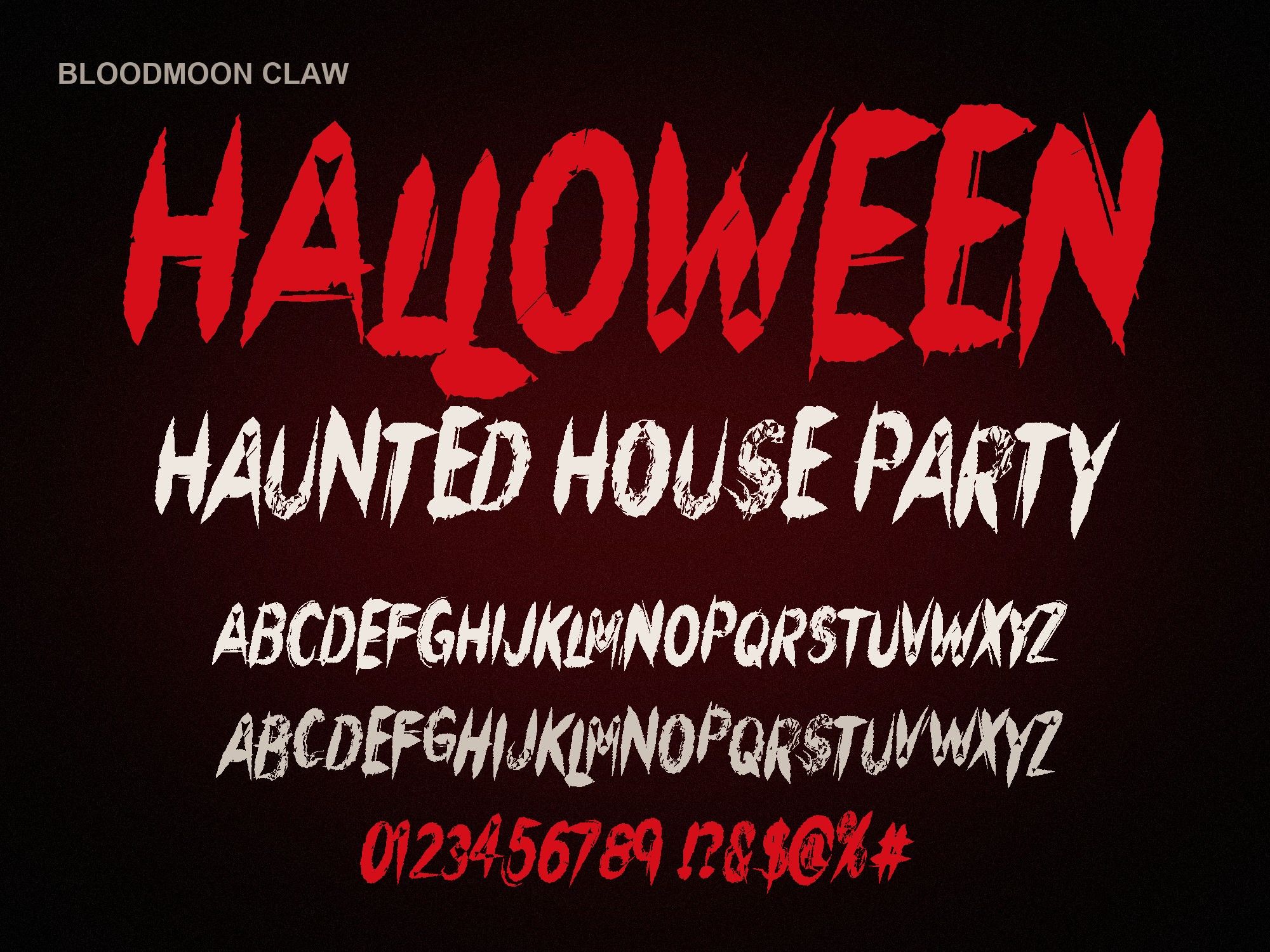
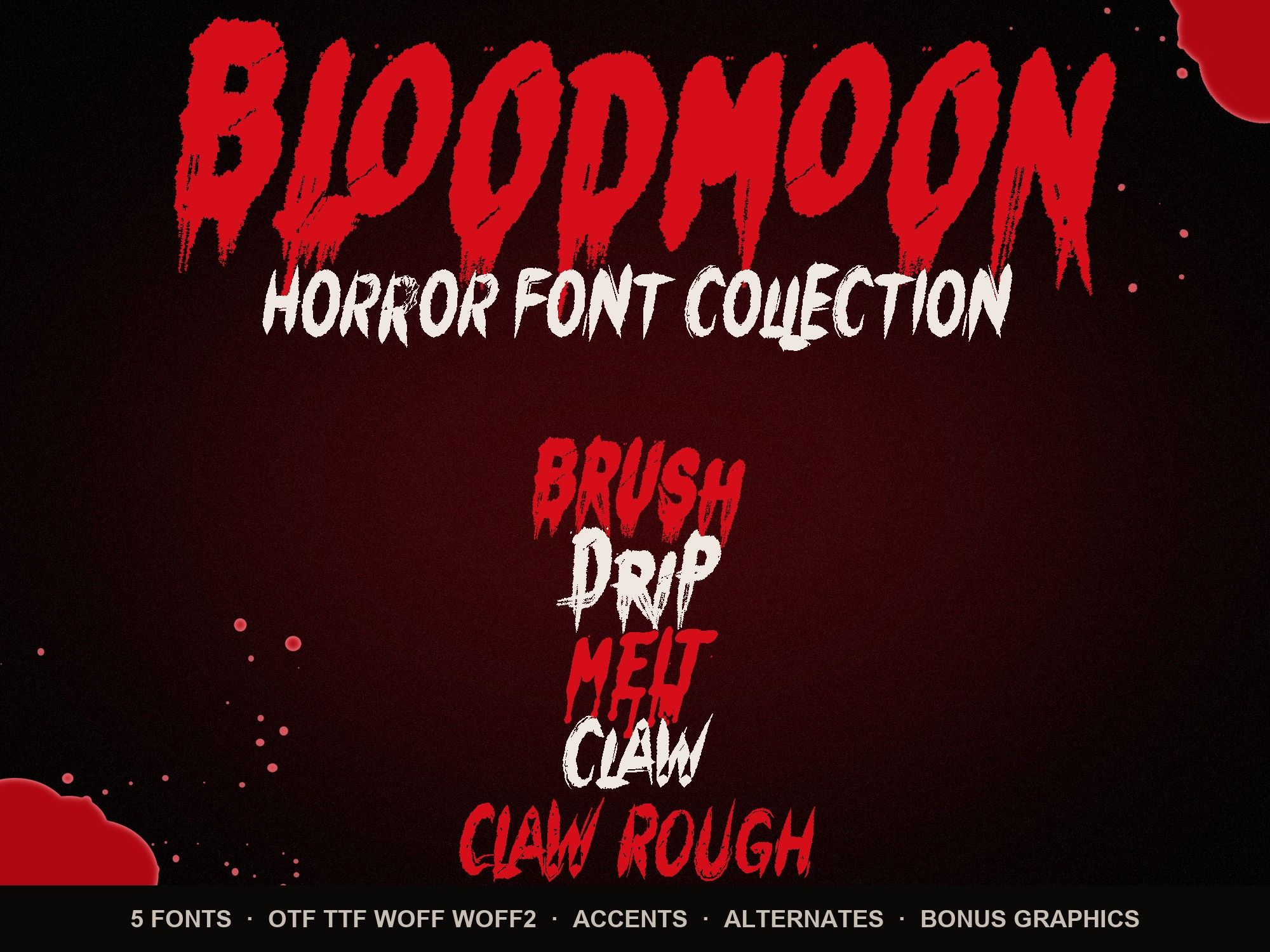
- Pick a style. Brush and Drip have the longest drips. Melt is the most readable. Claw and Claw Rough look slashed instead of bloody.
- Choose a color and background. Blood red on dark is the classic. Pick Transparent if you'll place the text on a photo.
- Download the PNG and drop it into your story, flyer or video editor.
Blood font generator: which style looks most like real blood?
Bloodmoon Brush and Bloodmoon Drip both run red down every stroke. Brush looks painted with a wide, dry brush. Drip has thinner, longer tails, so it reads as fresh blood sliding down a wall. For a thick, slow pour, try Bloodmoon Melt: its drops pool at the bottom of each letter.
Color matters as much as the font. A dark red (the "Blood red" swatch here is #C4121D) looks wet. Bright red looks like a price tag. For an older, dried look, use the custom color and pick a brown-red like #6E0B12.
Scary font generator for posters and thumbnails
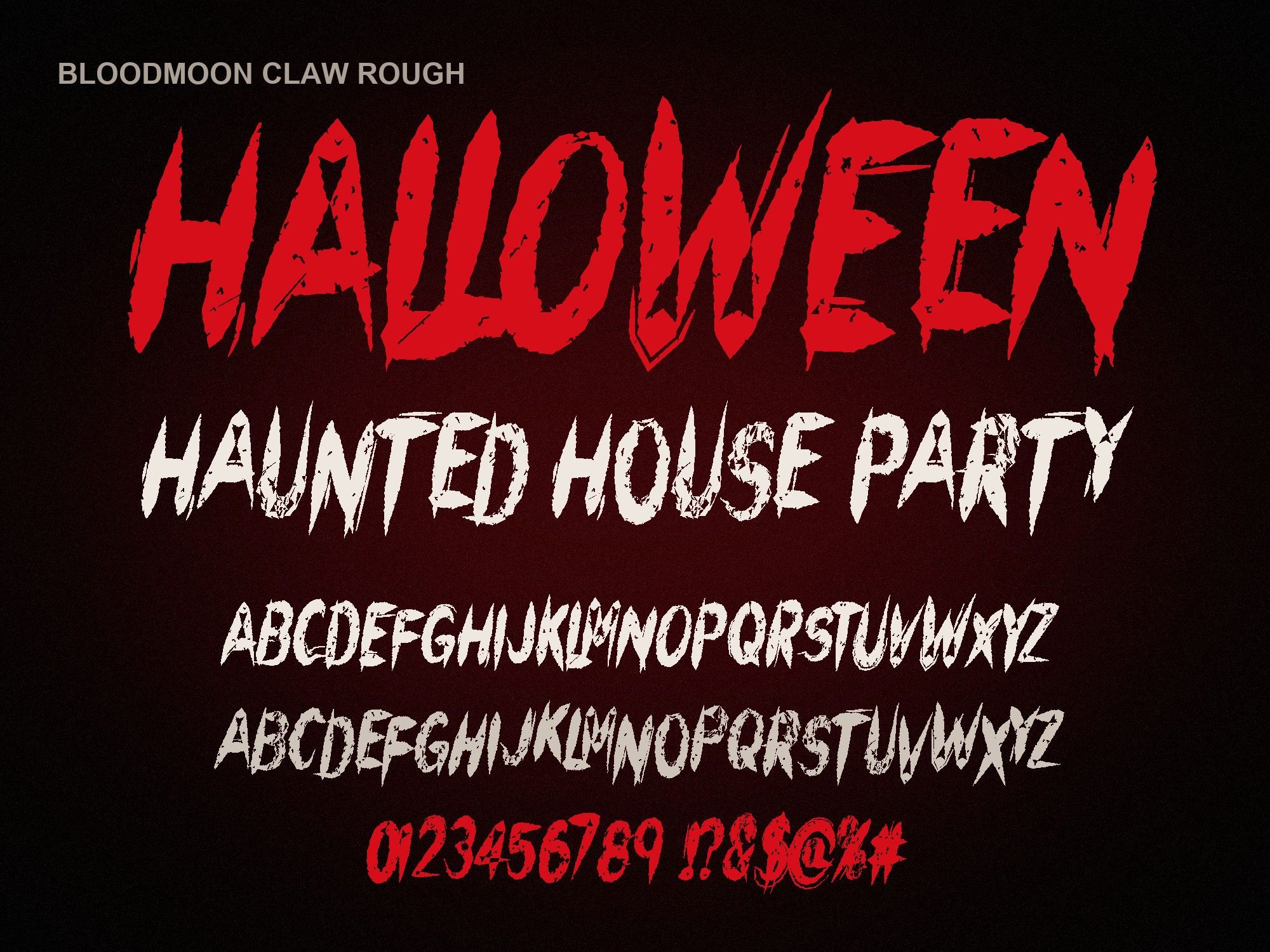
Not every scary design needs blood. Bloodmoon Claw looks like it was carved with a knife, which suits slasher posters, true-crime thumbnails and band logos. Claw Rough adds scratches and wear, like a poster that has been stapled to a pole for a year. Use white text on a dark background for the cleanest result on YouTube thumbnails, where the image is shown very small.
Halloween font generator for invites and social posts
For party invites, keep the generated image to the headline ("HALLOWEEN BASH", "TRICK OR TREAT") and write the details in a normal font underneath. Long sentences in a horror font get hard to read fast. Make the headline on a transparent background, then place it on your invite in Canva or any photo app. Need more ideas? See our Halloween party flyer fonts page.
Free image vs. the full font
| Free generator | Font file ($6, or $14 for all 5) | |
|---|---|---|
| Watermark | Small web address | None |
| Size | 1200px wide | Any size, vector |
| Characters | A–Z, 0–9, basic punctuation | 154 glyphs: two drawings per letter, accents, symbols |
| Type live in apps | No, it's a picture | Yes: Canva Pro, Cricut, Procreate, Word, Photoshop |
| Use on things you sell | No | Yes, commercial license included |
Ready for the real thing? Grab the horror font bundle with all five styles and 14 bonus blood graphics.
Questions people ask
Is the dripping blood text generator free?
Yes. Type your text, pick a style and download a PNG. Free images are 1200px wide and carry a small web address in the corner. Nothing to sign up for.
Can I get a transparent background?
Yes. Choose "Transparent" under Background before you download. The PNG keeps the transparency, so you can drop it on a photo, a flyer or a video.
Why are some letters missing?
The free preview only includes capitals, numbers and a few punctuation marks. Lowercase drawings, accents (like Ñ or É) and symbols such as @ or # come with the full font.
Can I use the images on things I sell?
The free images are for personal use: a story, a party invite, a quick post. For anything you sell, like shirts, stickers or printed signs, buy the font. Its commercial license covers that, with no watermark and any size you want.