Halloween Fonts for Cricut
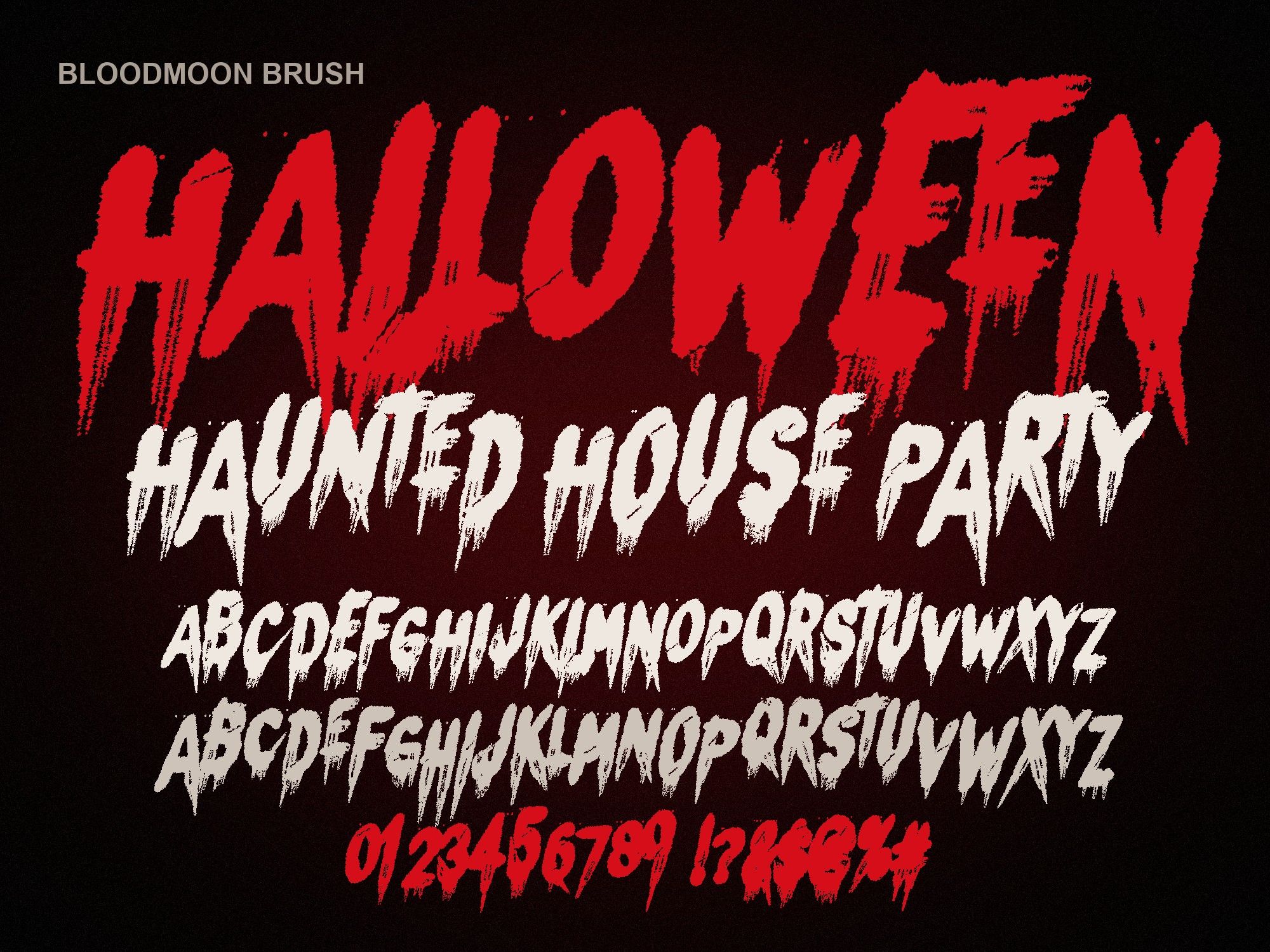
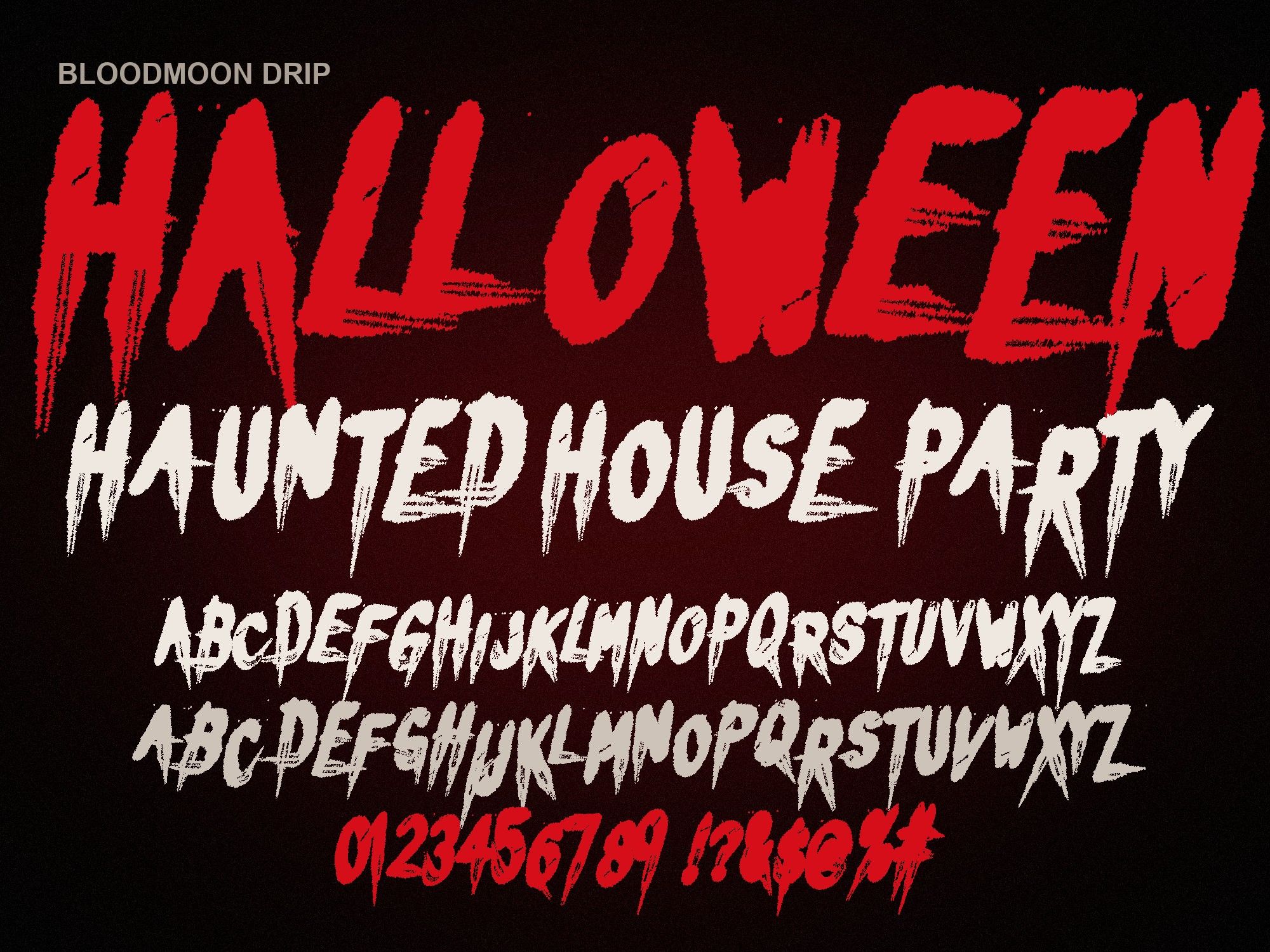
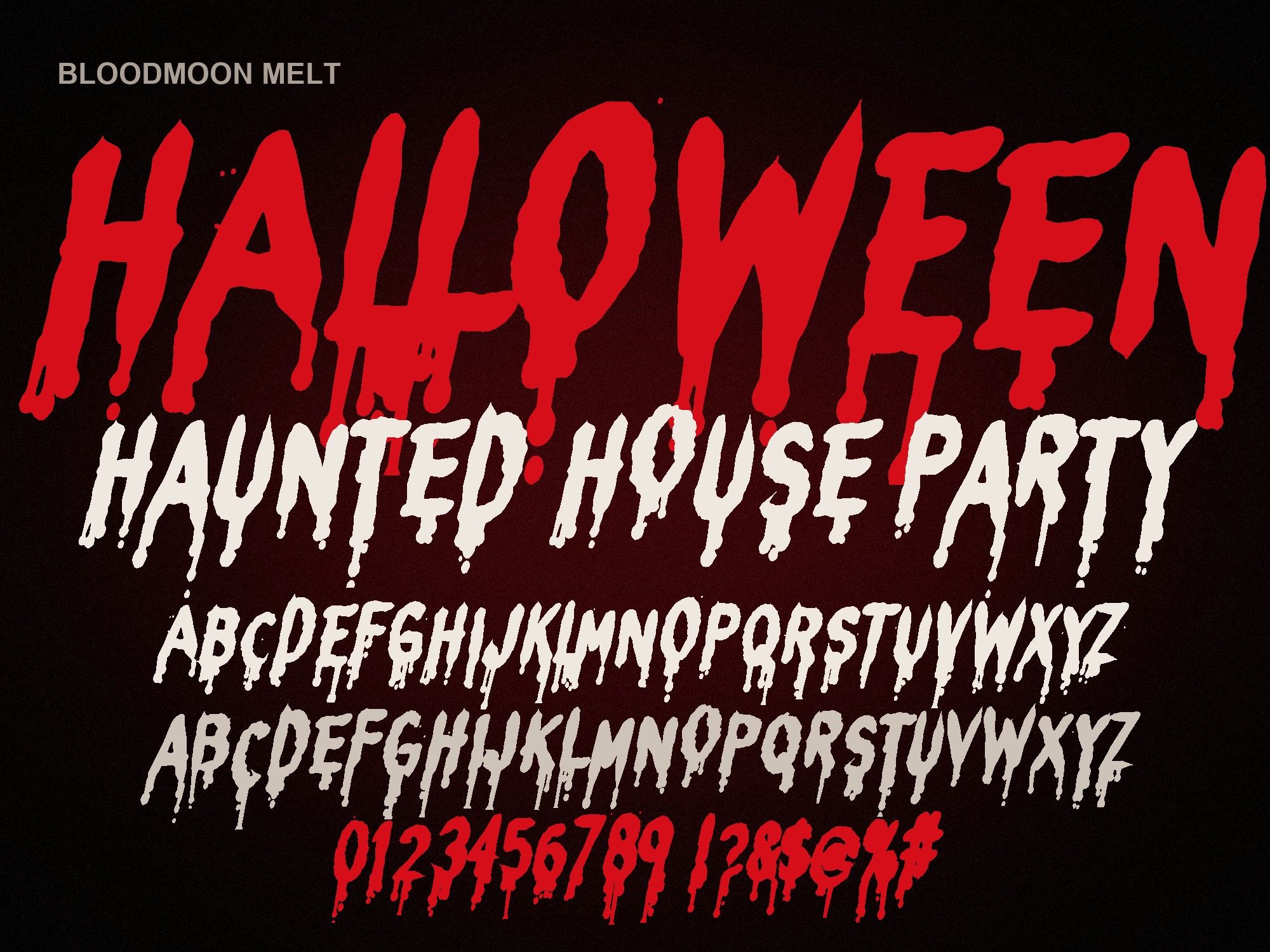
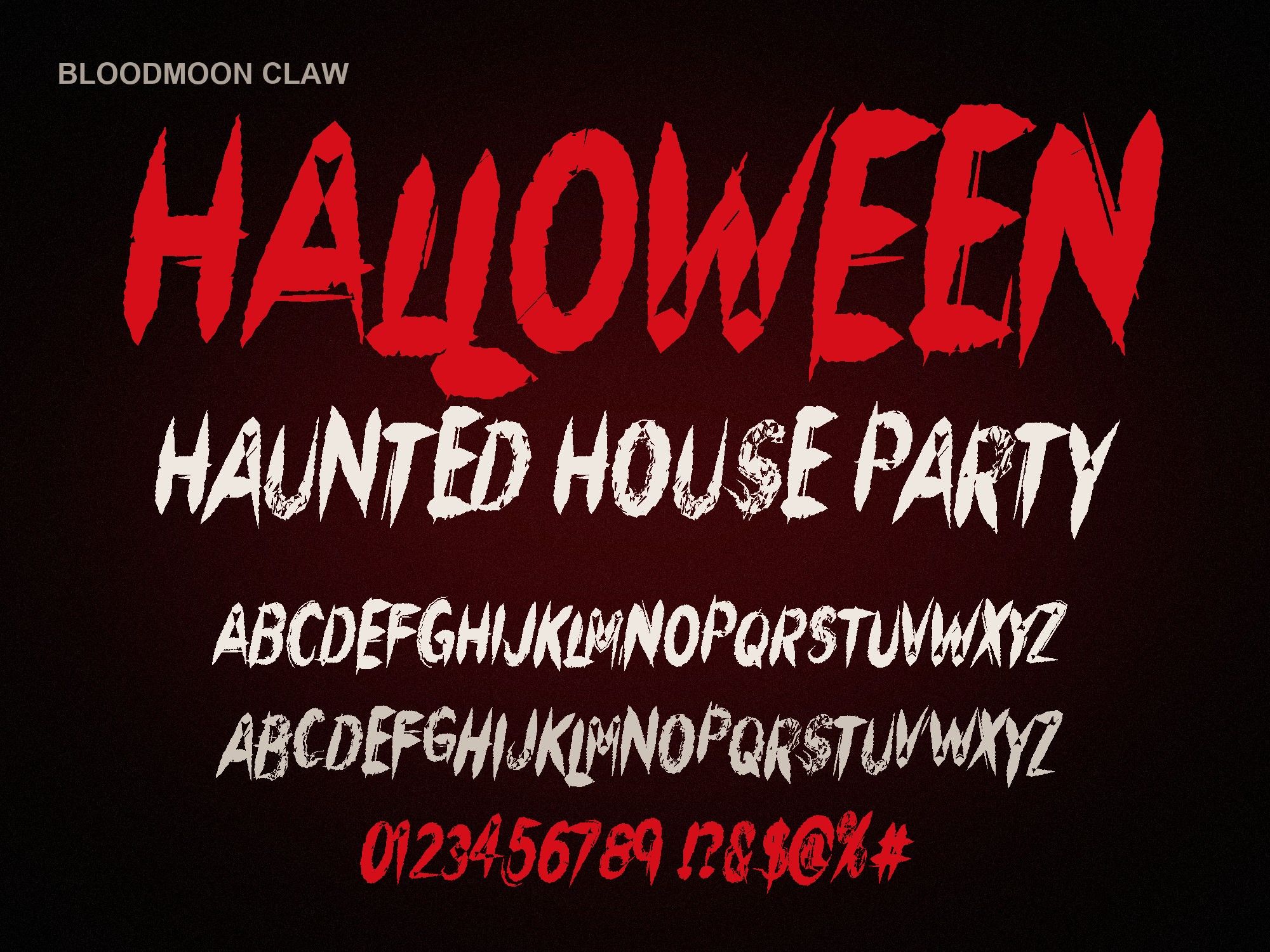
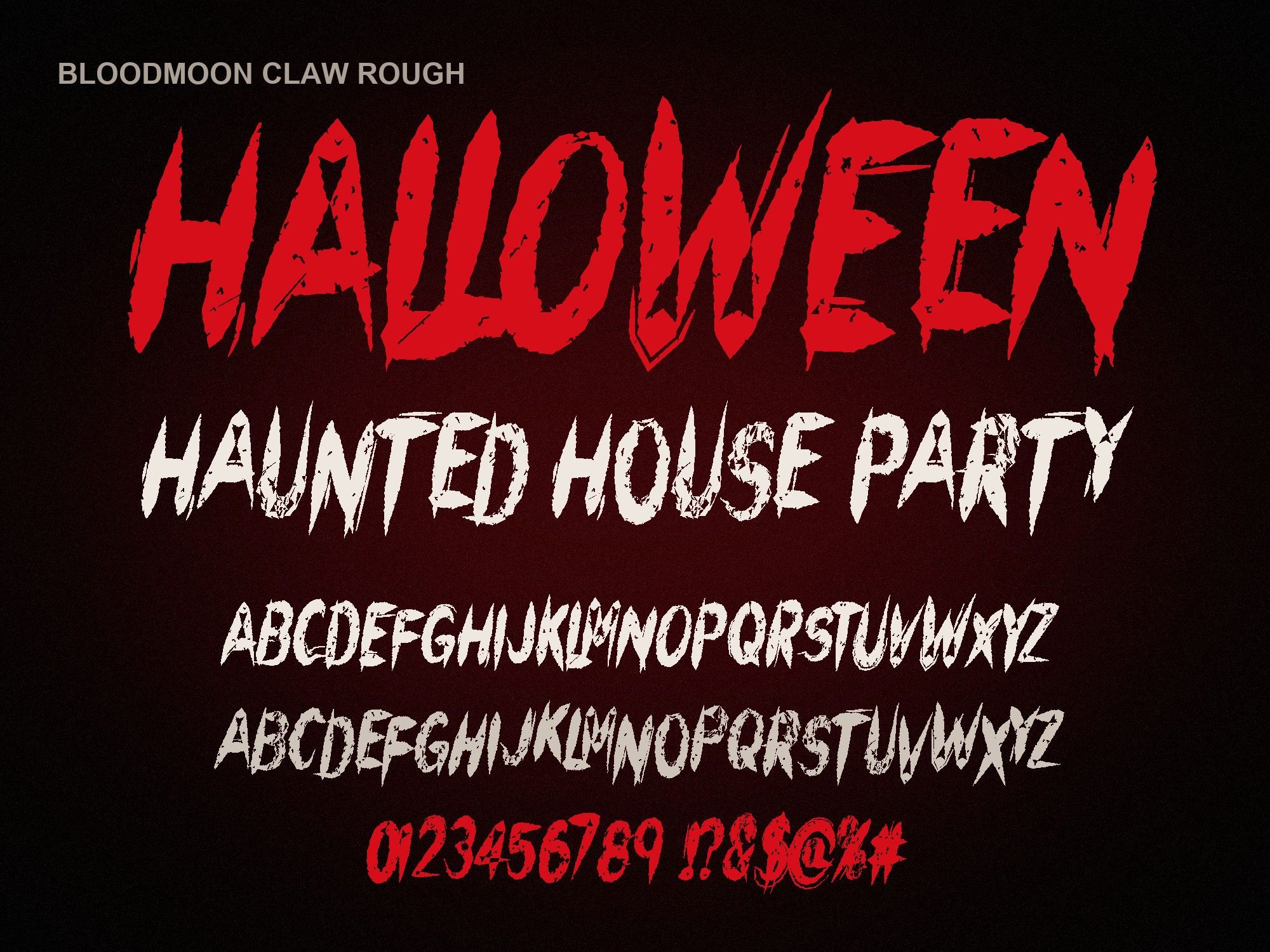
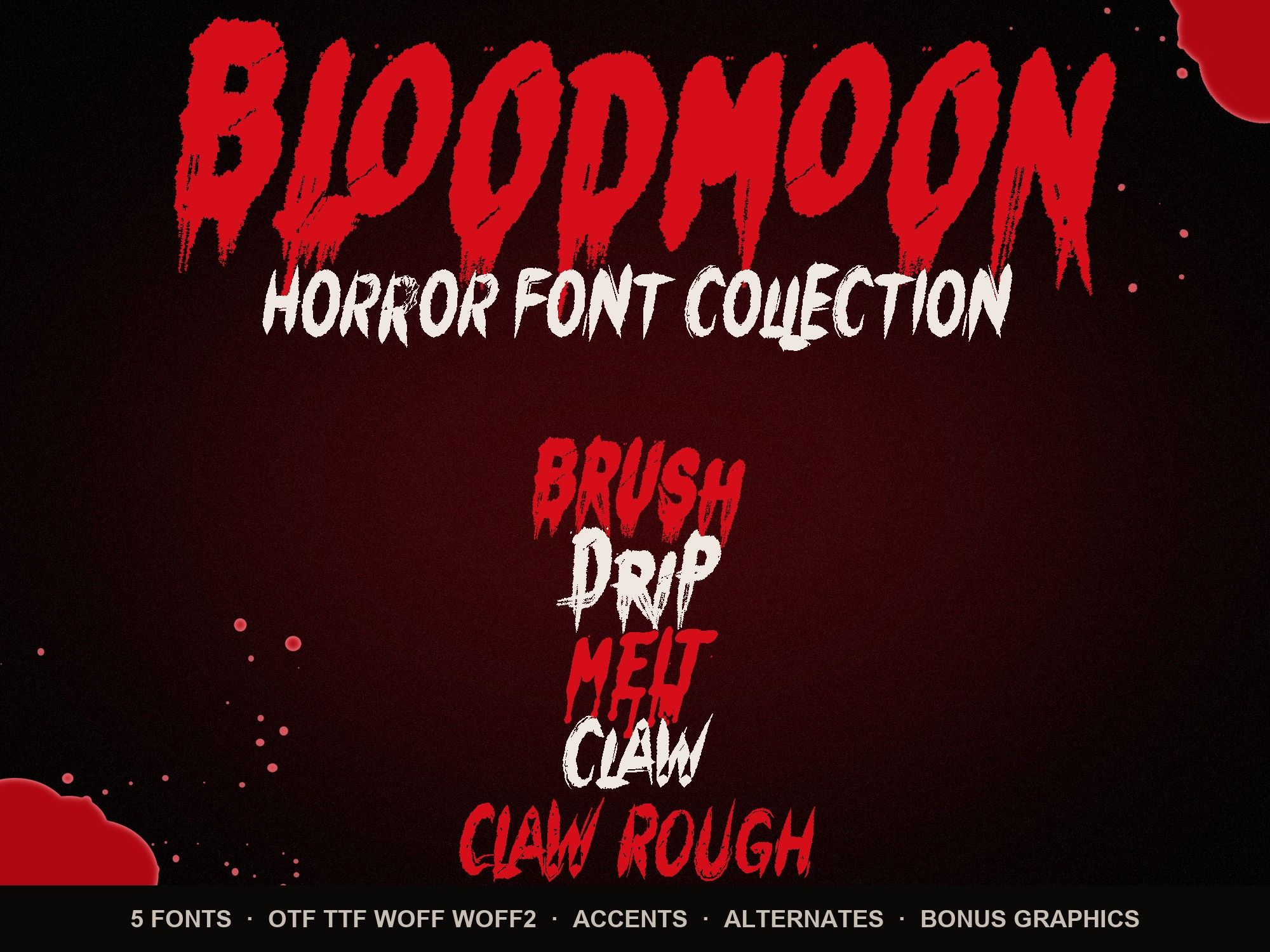
Bloodmoon is a set of five Halloween fonts for Cricut crafters who want blood drips, melting letters and claw slashes on shirts, porch signs and treat bags. Each one is a real installable font, so you type your words in Design Space and cut them like any other text. No tracing, no image cleanup.
Get the font into Design Space
Cricut doesn't upload fonts on its own. It borrows whatever fonts your computer has. So the font goes on the computer first.
- Unzip the download. Open the folder for the font you want and find the .otf file.
- Install it on your computer. On a Mac, double-click the .otf and click "Install Font". On Windows, right-click it and choose "Install".
- Restart Design Space. Quit it fully and open it again. It only checks for new fonts at launch.
- Add text and pick the font. Open the font menu, switch the filter to System fonts and search for "Bloodmoon".
Stuck on a step, or using a tablet? The longer how to install fonts on Cricut guide covers the fixes for fonts that refuse to appear.
Drip fonts and weeding
Drips look great on screen and can be a pain on the mat. The thin tail at the end of a drip is often narrower than your blade likes. A few habits help:
- Size up. Give a drip word at least 2 to 3 inches of height on vinyl. Tiny drips tear when you weed them.
- Pick a chunkier style for small cuts. The melting blood font has fat, rounded drips that survive small sizes. The claw scratch font has no drips at all, just sharp slashes, so it weeds fast.
- Weld overlapping letters. If you tighten letter spacing, drips touch the next letter. Select the text and use Weld so it cuts as one shape instead of slicing through itself.
- Weed the inner bits last. Lift the big background first, then pick out the holes in letters like A, O and R with a hook tool.
HTV for Halloween shirts
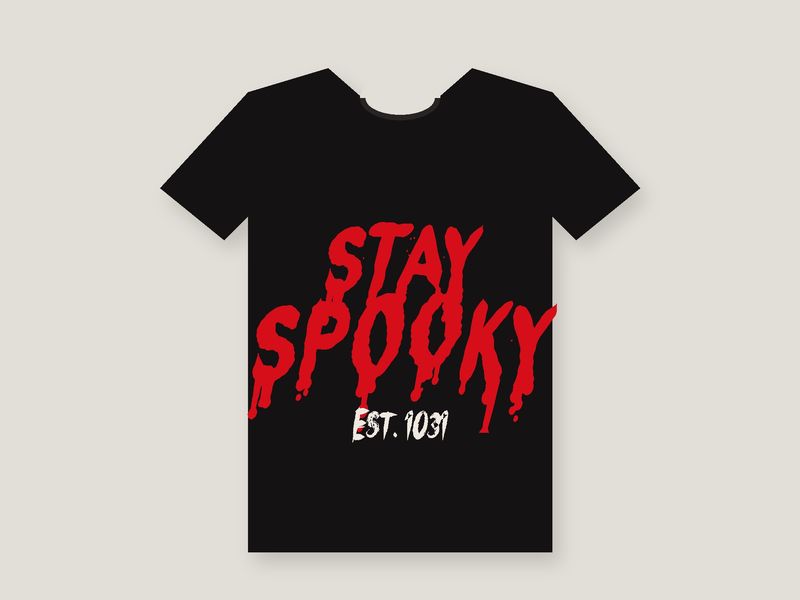
For heat transfer vinyl, remember to mirror the design before cutting. Red glitter HTV on a black tee is the classic look. Matte black on an orange shirt works for kids. If you want a splatter behind the words, the bundle's transparent blood splatter PNGs can go to print-then-cut, while the lettering stays as a clean vinyl cut.
Which of the five cuts best in vinyl
Claw is the easiest weed of the set. Melt comes next. Claw Rough has worn, torn edges, so save it for bigger pieces like yard signs. The two drip-heavy styles, Brush and Drip, look best above 3 inches. Try your word here first:
TRICK OR TREAT
Preview shows capitals, numbers and basic punctuation. The full font adds a second drawing of every letter, accents and auto-alternates.
One font is $6. The horror font bundle gives you all five plus drip borders and word art for $14. Prefer to start with the cleanest cutter? Grab Bloodmoon Claw on its own.
Instant download from Gumroad · OTF, TTF, WOFF, WOFF2 · Commercial license · Use LAUNCH30 for 30% off until Oct 31
Questions people ask
Why doesn't my new font show up in Cricut Design Space?
Design Space only reads the font list when it starts. Close it completely (not just the project), then open it again. Make sure you installed the font on the computer itself first. Then look under System fonts, not Cricut fonts.
Can I use these fonts in the Cricut app on my phone?
On an iPhone or iPad, install the .otf with an app like iFont first, then reopen Design Space and look for it in the font list. A desktop computer is the easier route for big cut jobs.
Can I sell shirts and decals I cut with them?
Yes. The standard license covers Cricut and Silhouette projects and printed products you sell. What you can't do is share or sell the font files. Details are on the license page.
OTF or TTF for Cricut?
Start with the OTF. If Design Space shows odd spacing or the font won't load, remove it and install the TTF instead. Keep only one of the two installed.