How to Make Dripping Blood Text in Canva
Canva doesn't ship with a real dripping blood font, and its built-in effects can't make letters drip. You have two ways around that. The first gives you fully editable text but needs Canva Pro. The second works on a free account but gives you a picture of the words, not live text.
Method 1: Upload a dripping blood font (Canva Pro)
Uploading fonts is a Canva Pro or Teams feature. Free accounts can't do it. If you're on free Canva, skip to Method 2.
- Get the font file. Download and unzip it on your computer. You want the .otf file.
- Open your Brand Kit in Canva and find the fonts section.
- Choose "Upload a font" and pick the .otf. Canva may ask you to confirm you have the right to use it. With our fonts, you do.
- Add a text box to your design and open the font menu. Your uploaded font sits near the top under your brand fonts.
- Type in capitals. Then swap a few letters to lowercase. Our fonts put a second drawing of each capital on the lowercase keys, so "BLooD" looks hand-lettered instead of stamped.
Size and spacing
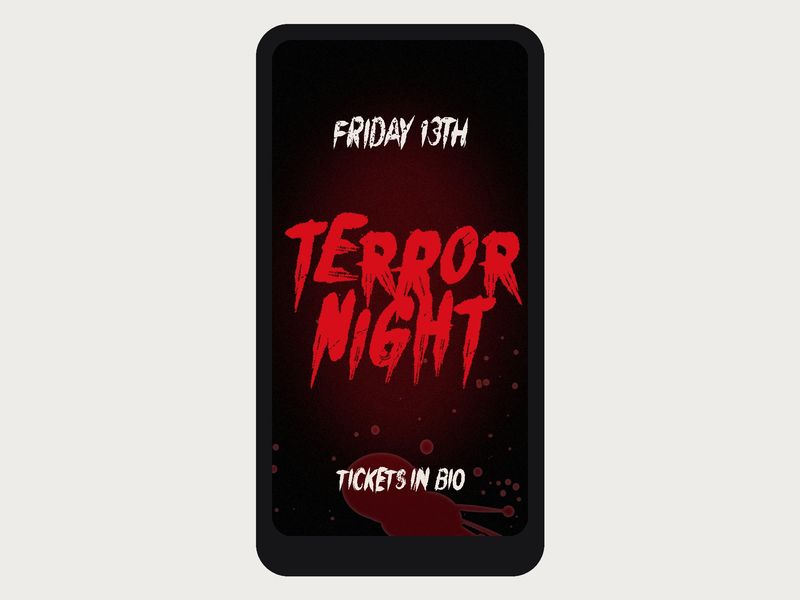
Drips need room to show. On a 1080 x 1920 story, start the headline around 150 to 250 and adjust from there. Small text turns the drips into smudges. Raise line spacing a little so drips from the top line don't land in the letters below. Canva supports the automatic alternates in our fonts, so doubled letters like the "LL" in "KILLER" come out as two different drawings without any extra work.
Color
Select the text and pick a custom color. Real blood is dark and a bit brown. Anything from #8A0303 (dried, almost black red) to #C4121D (fresh, wet red) looks right. Avoid the default bright red; it looks like a warning label. On a black background use the lighter end of that range. On white or cream, go darker.
Effects
With the text selected, open Effects in the top toolbar.
- Shadow with a soft black shadow, slight offset and low transparency makes the letters lift off busy photos.
- A darker second copy works as a cheap 3D trick. Duplicate the text, color the back copy #3A0000, nudge it down and right a few pixels and send it backward.
- Skip heavy glow. A strong outer glow blurs the drip edges, which is the whole point of the font.
Method 2: No Canva Pro? Use a transparent PNG
On a free account you can't upload fonts, but you can upload images. So make the words as an image somewhere else and drop it in.
- Open our free dripping blood text generator.
- Type your words and pick one of the five styles.
- Pick a color, or enter a custom one from the range above.
- Set the background to Transparent and download the PNG.
- In Canva, open Uploads, upload the PNG and drag it onto your design. The transparent background means it sits on top of any photo.
The honest limits: free downloads are 1200 px wide with a small watermark, and they're meant for personal projects. The preview only has capitals, numbers and basic punctuation, so no accents. You also can't edit the words in Canva; to change a typo you make a new PNG. For anything you plan to sell or print large, the actual font is the better route.
Add splatter and drip borders
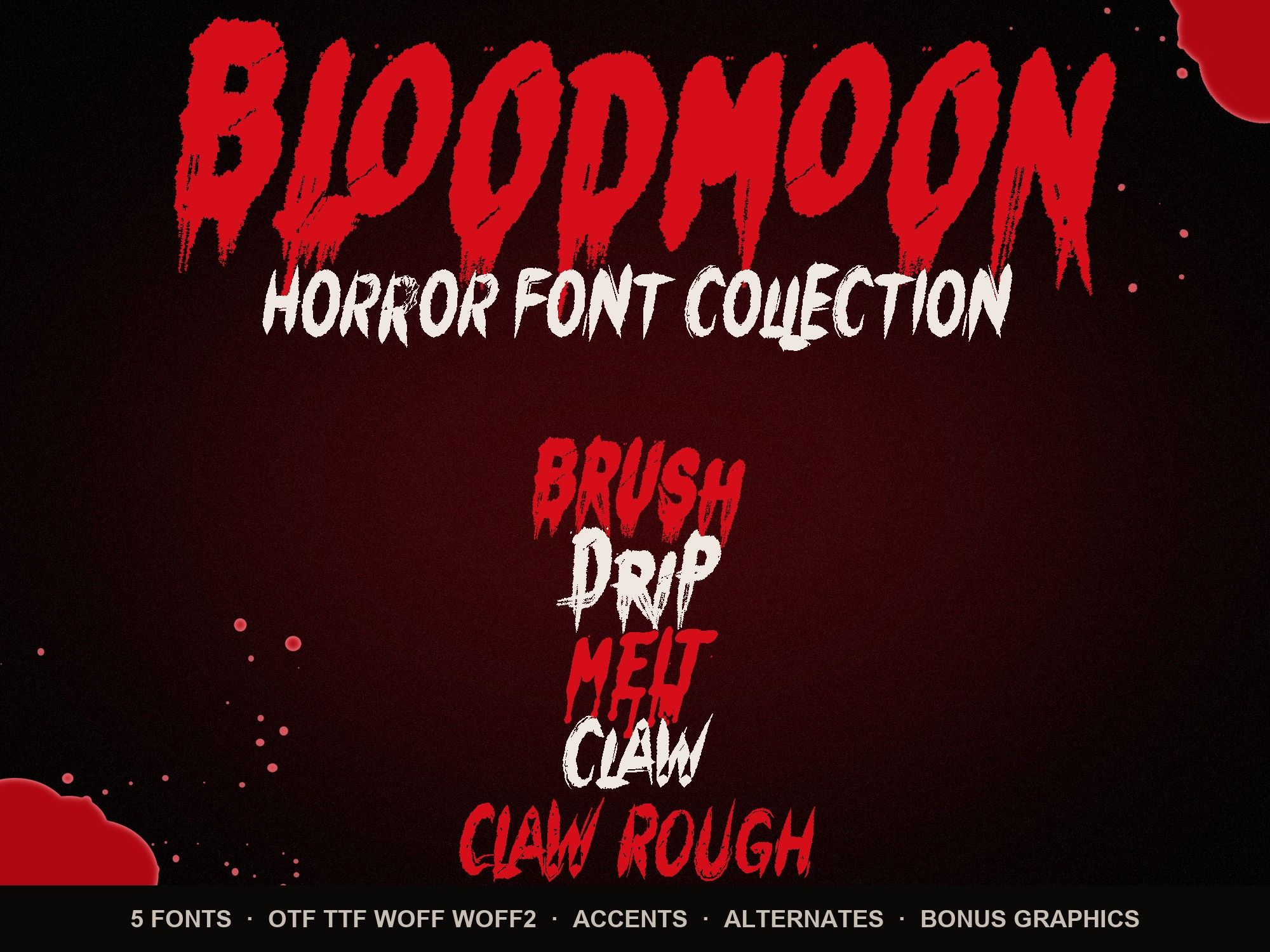
Text alone can look a bit flat. A splatter behind the headline or a drip border along the top edge ties the design together. The horror font bundle includes 14 transparent PNGs for this: 6 blood splatters, 3 drip borders and 5 word-art pieces. Upload them through Uploads like any image.
- Layer behind, not on top. Put the splatter under the text so the letters stay readable.
- Lower the transparency of a splatter to 60 to 80% so it reads as a stain, not a second focal point.
- Match the reds. Keep the text and the splatter in the same red family so they look like one spill, not two.
- Rotate and crop splatters off the edge of the page. Half a splatter looks more natural than a full one floating in the middle.
Which font to upload
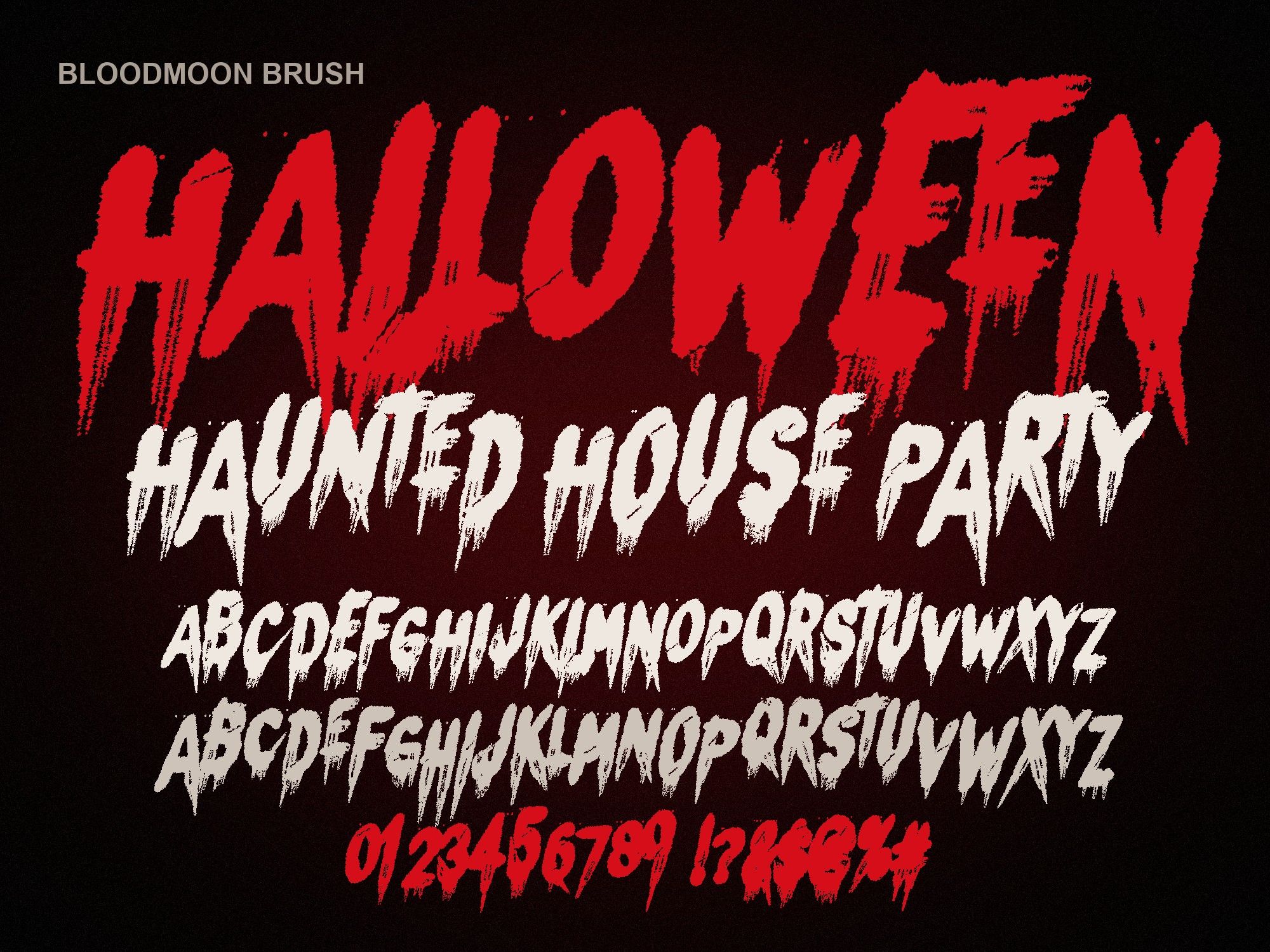
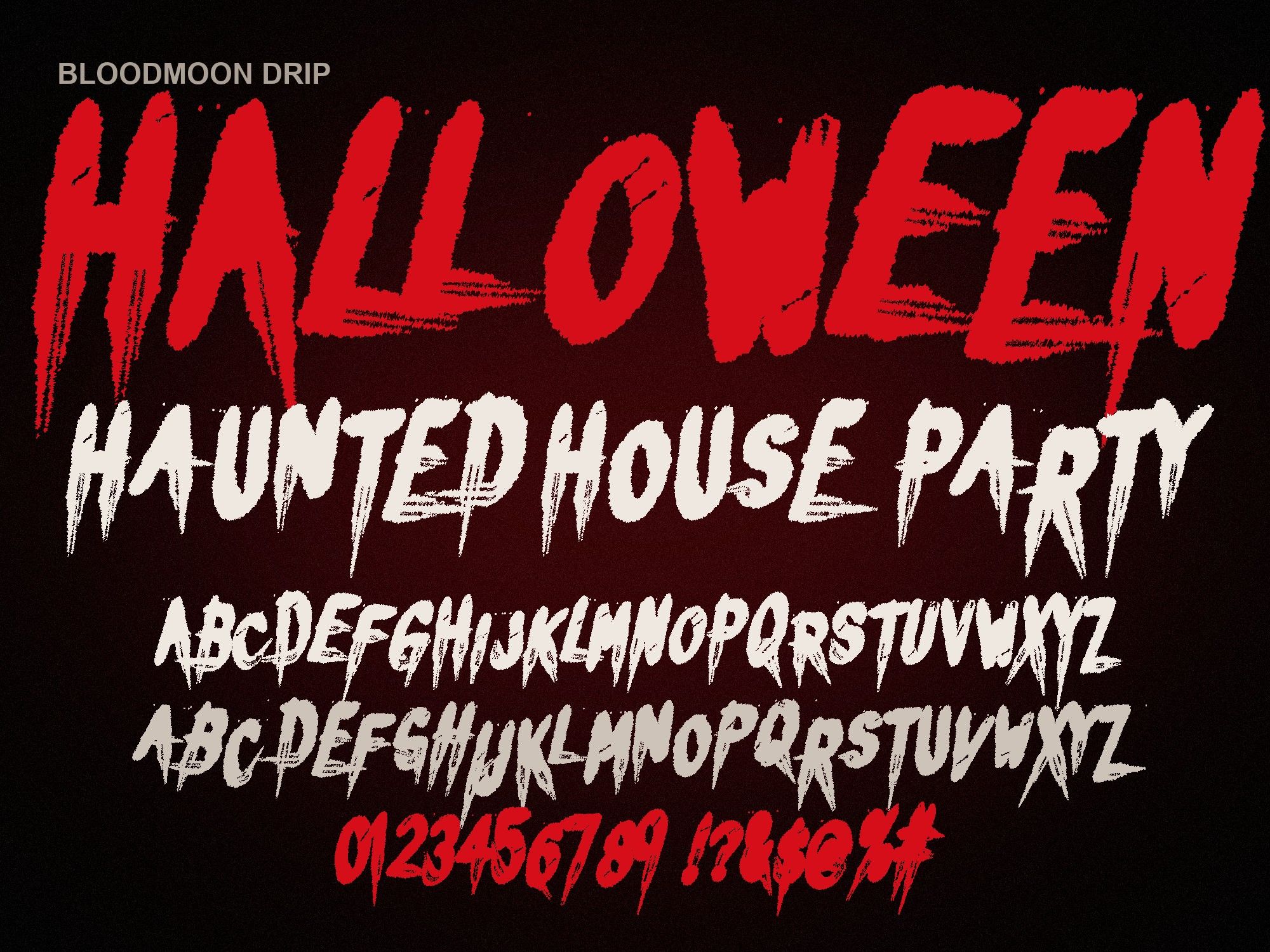
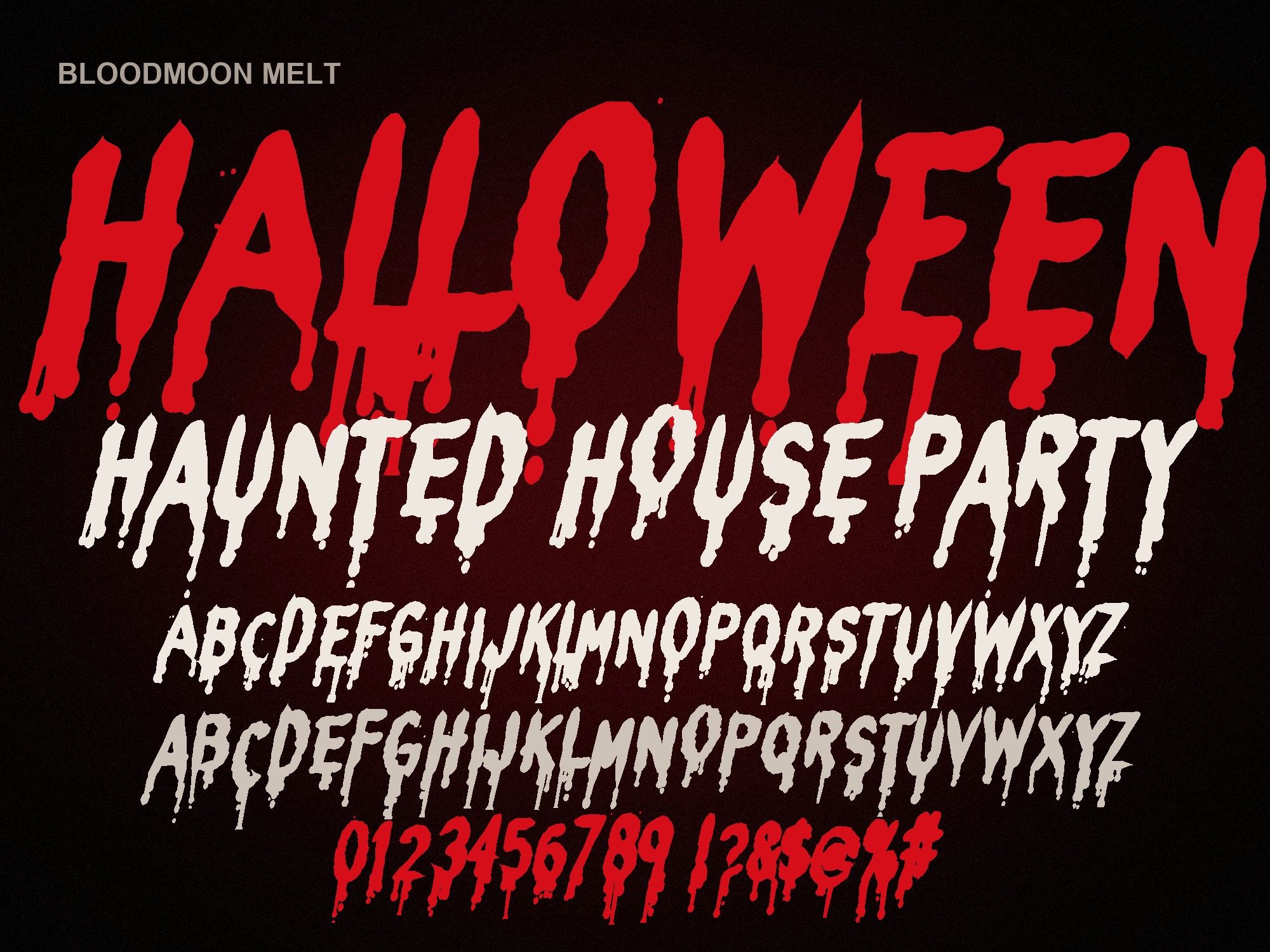
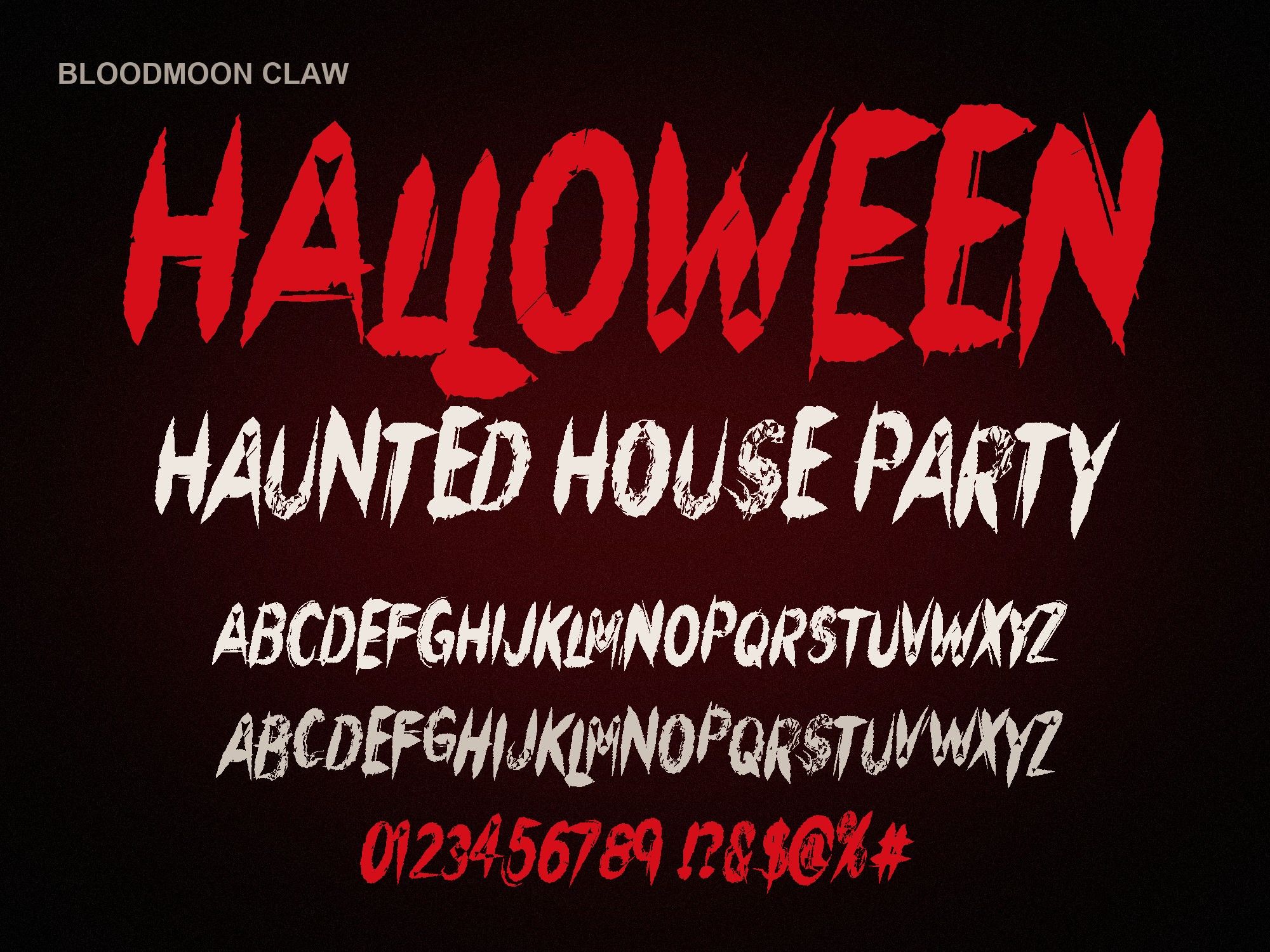
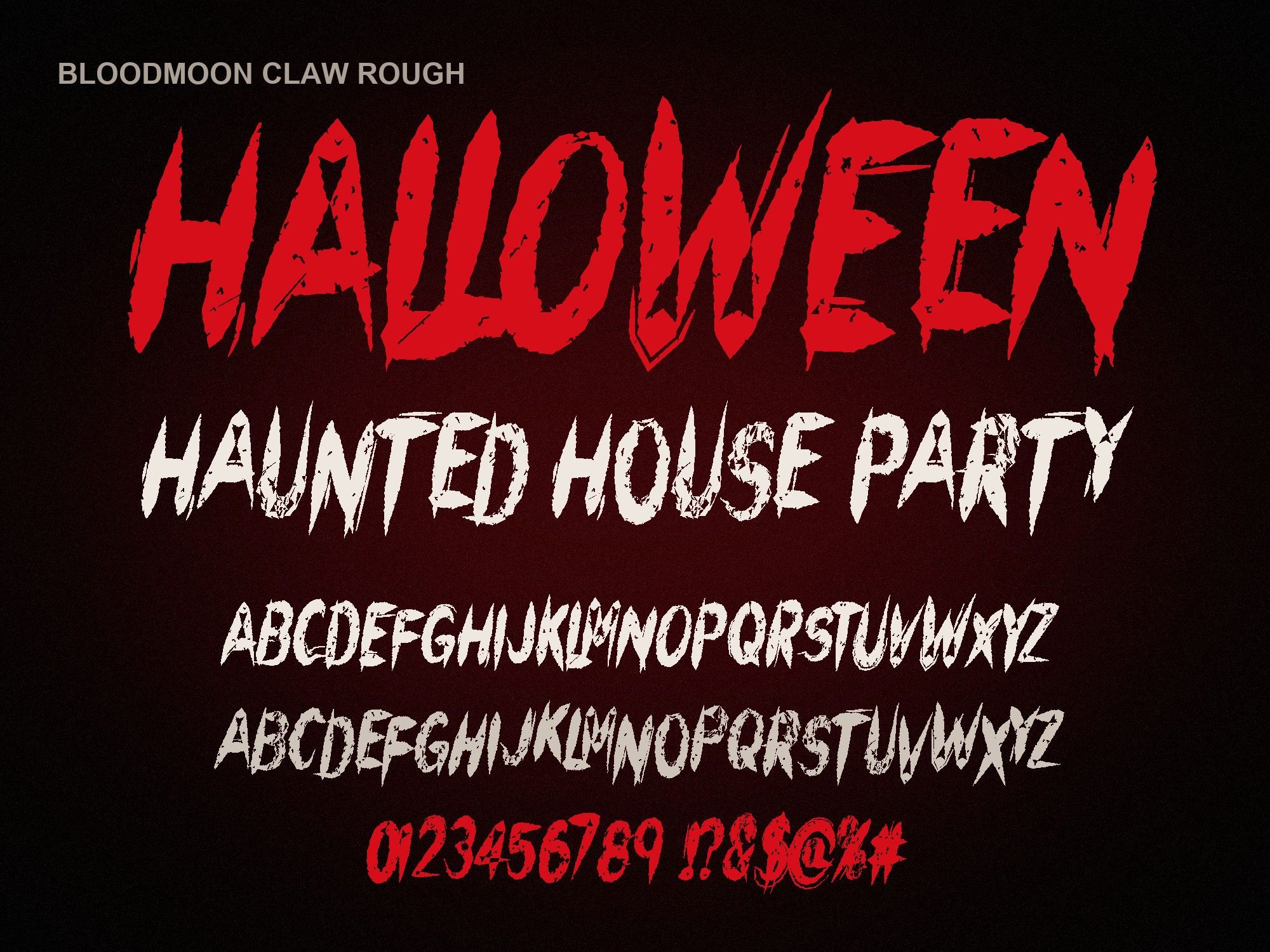
For a classic painted look, the dripping blood font (Bloodmoon Brush) is the obvious pick. If your title is long, say "HAUNTED HOUSE PARTY", the melting blood font stays more readable. For a playful kids' party look, try the bloody dripping letters font. More Canva setup notes and layout ideas are on Halloween fonts for Canva.
Each font is $6, or all five plus the bonus PNGs for $14. The standard license covers social posts, printed items you sell and client work; see the font license for the full list.
Instant download from Gumroad · OTF, TTF, WOFF, WOFF2 · Commercial license · Use LAUNCH30 for 30% off until Oct 31