How to Install Fonts on Cricut
Cricut Design Space doesn't have its own font upload button. It reads the fonts installed on your computer or tablet. So the job is really two steps: install the font on your device, then get Design Space to notice it. Here is how to do both, plus what to try when it doesn't work.
1. Download and unzip the font
Fonts usually arrive as a .zip file. You can't install a font while it's still inside the zip, so open it up first.
- Find the download. It's normally in your Downloads folder.
- On a Mac: double-click the .zip. A regular folder appears next to it.
- On Windows: right-click the .zip and choose "Extract All", then click Extract. Double-clicking only lets you peek inside, and installing from there often fails.
2. Pick OTF or TTF
Our fonts come in four formats. Two of them are for your computer:
- OTF: the first choice on Mac and Windows. Use this one for Cricut.
- TTF: the backup. Use it if the OTF gives you trouble in an older app.
- WOFF and WOFF2: for websites only. Ignore them for Cricut.
Install only one of OTF or TTF for each font. Having both can make the font show up twice or behave oddly.
3. Install on Windows
- Open the unzipped folder and find the .otf file.
- Right-click it and choose "Install". If you see "Install for all users", that works too and is a safe pick on shared computers.
- Wait a second. There's no big message. The font is now in your system.
4. Install on Mac
- Double-click the .otf file. A preview window opens.
- Click "Install Font". That's it.
5. Restart Design Space
Design Space only checks your font list when it starts. If it was open while you installed, it won't see the new font. Close it completely, not just the project window. On a Mac, quit it from the menu bar or press Command-Q. On Windows, close the window and check that it isn't still running in the taskbar. Then open it again.
6. Find the font in Design Space
- Add a text box on your canvas.
- Open the font list and switch the filter to System fonts. That narrows the list to fonts installed on your device, so you aren't scrolling past hundreds of Cricut fonts.
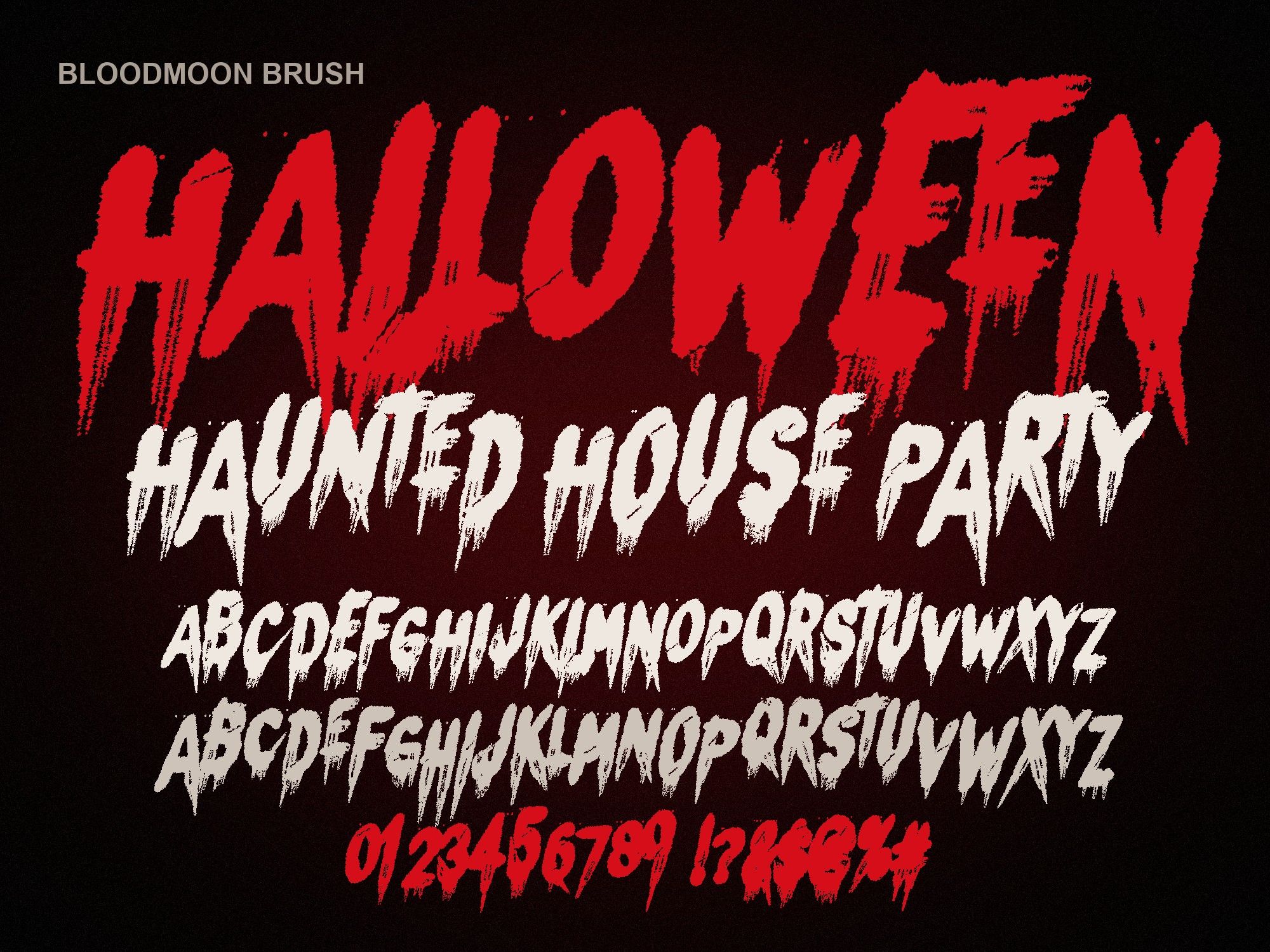
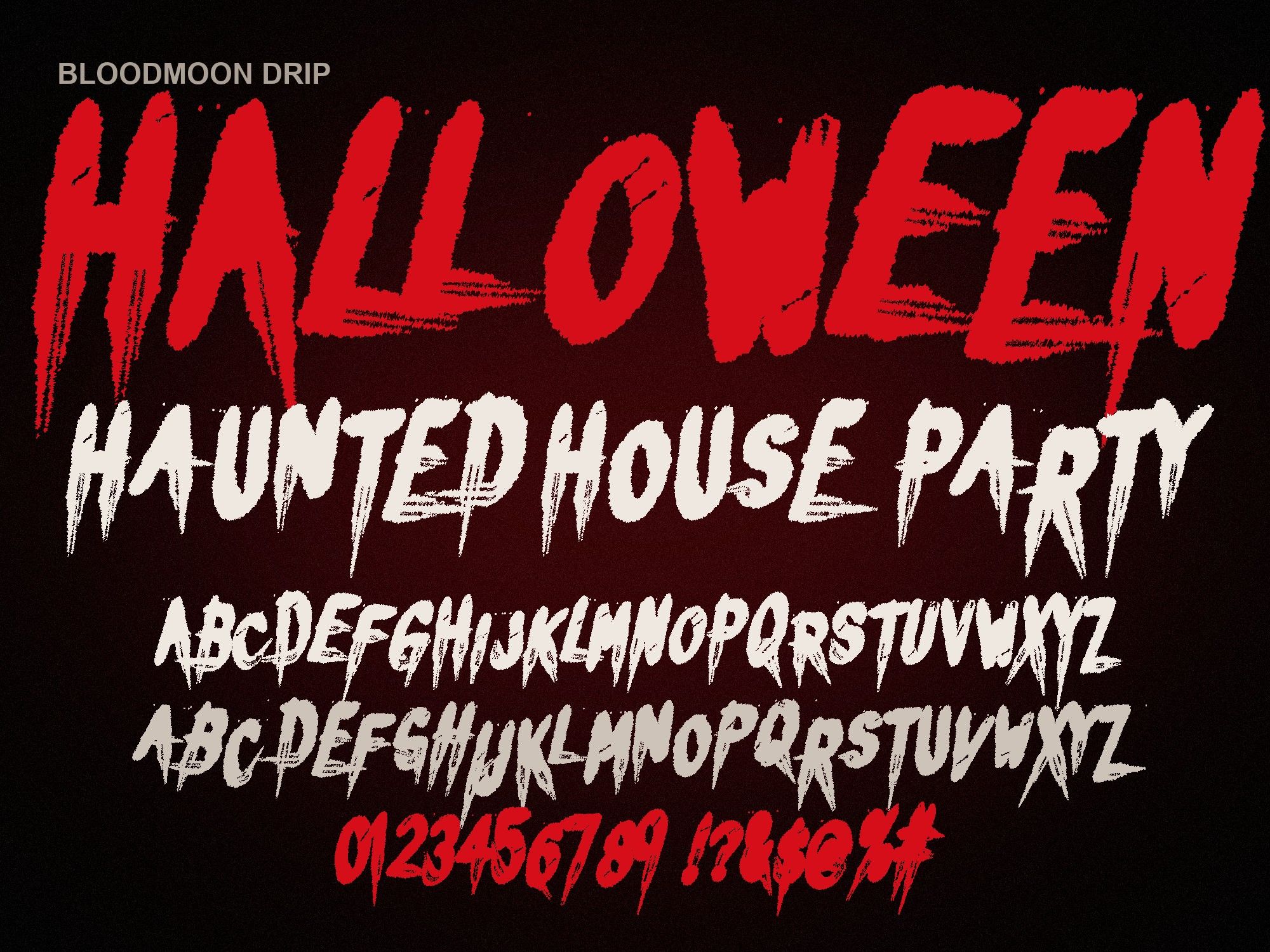
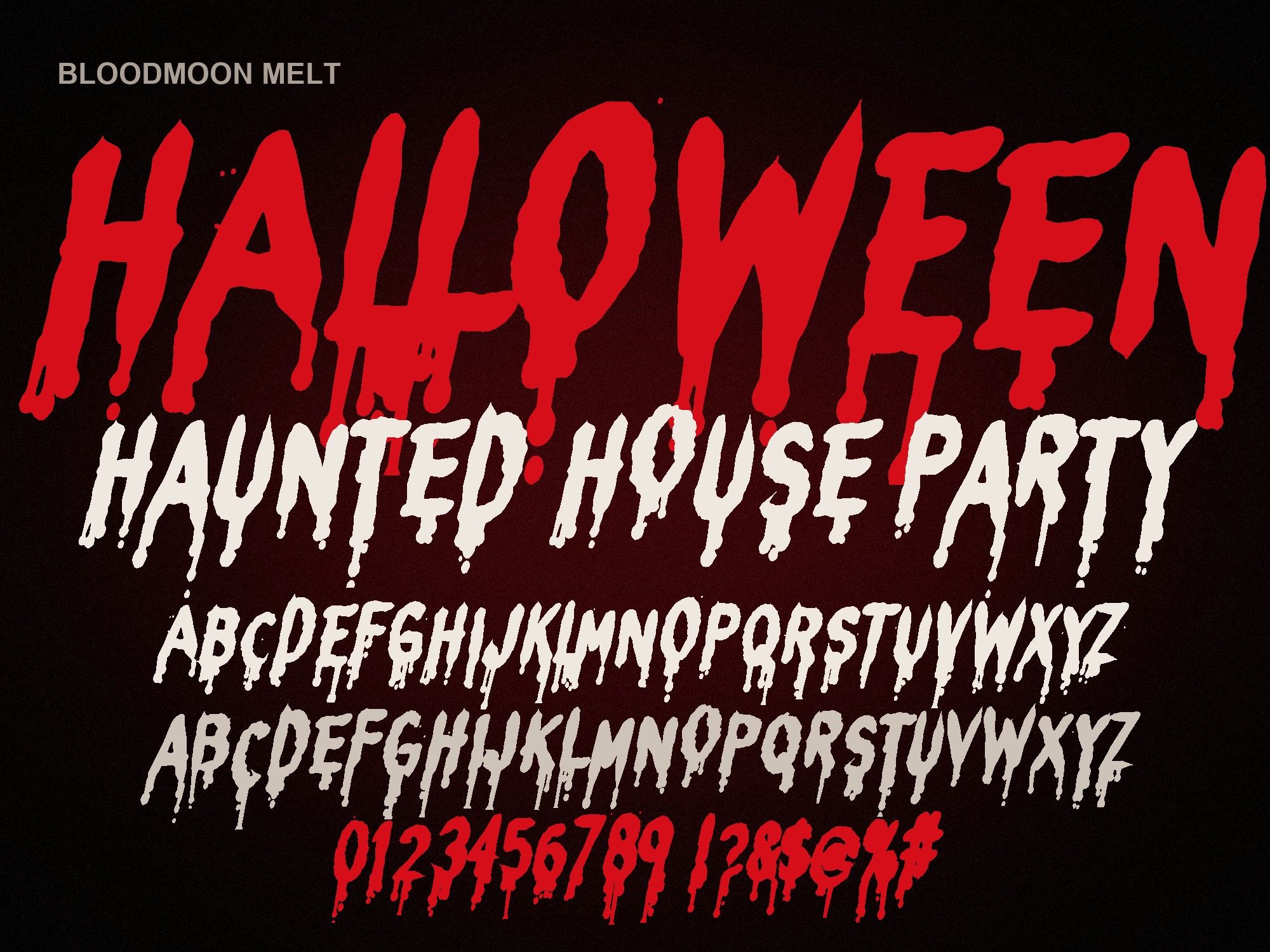
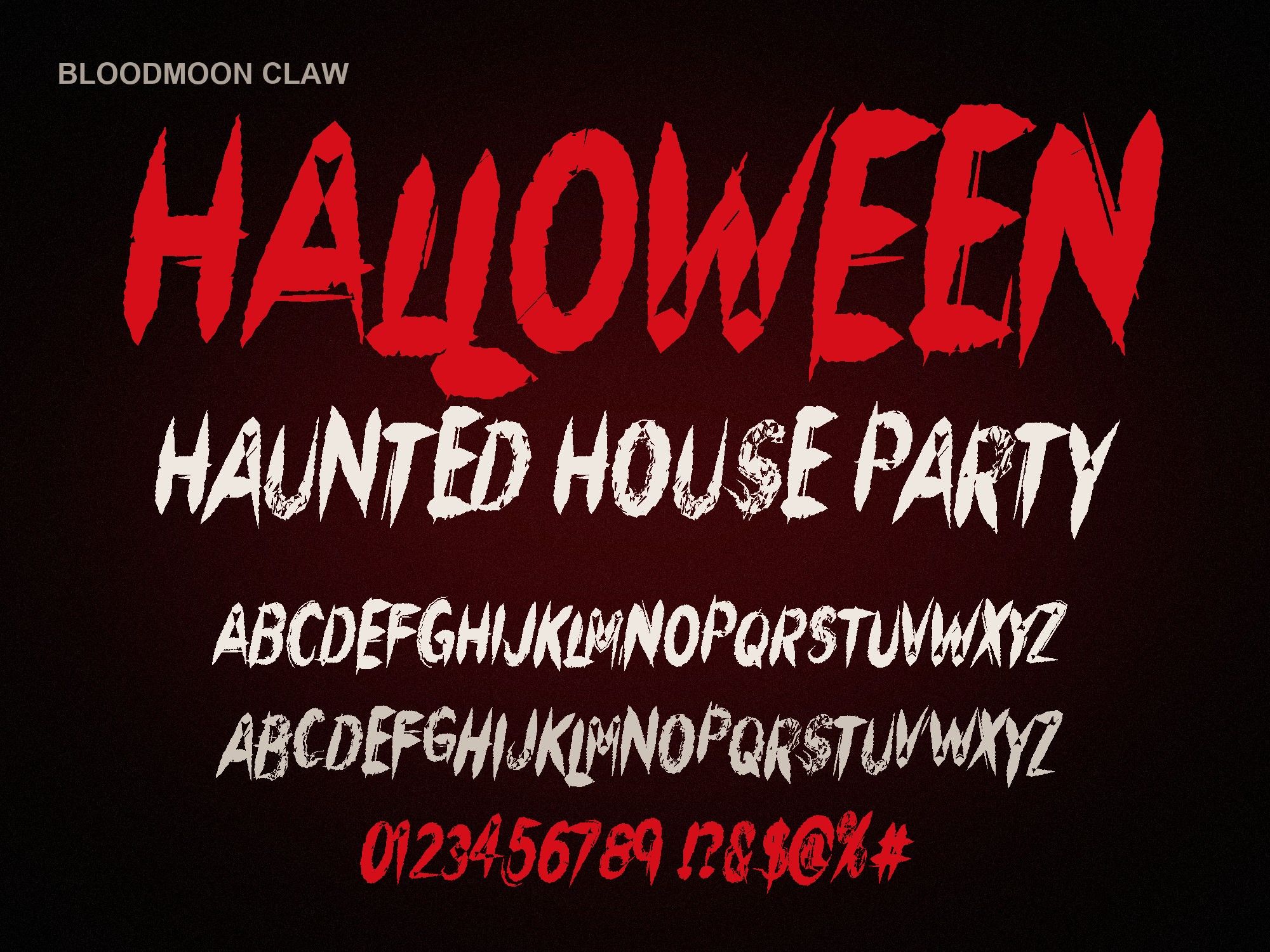
- Search by name, for example "Bloodmoon".
iPad and iPhone
Phones and tablets can't install a font by tapping the file. You need a font installer app first, such as iFont.
- Save the .otf to the Files app. Unzip it there by tapping the .zip.
- Open the font in iFont (or a similar installer) and follow its prompts. Part of the process happens in the Settings app, where you approve the font.
- Fully close Design Space by swiping it away in the app switcher, then reopen it.
- Look under System fonts just like on a computer.
Try it before you install
Check how your words look in a cut-friendly style first:
TRICK OR TREAT
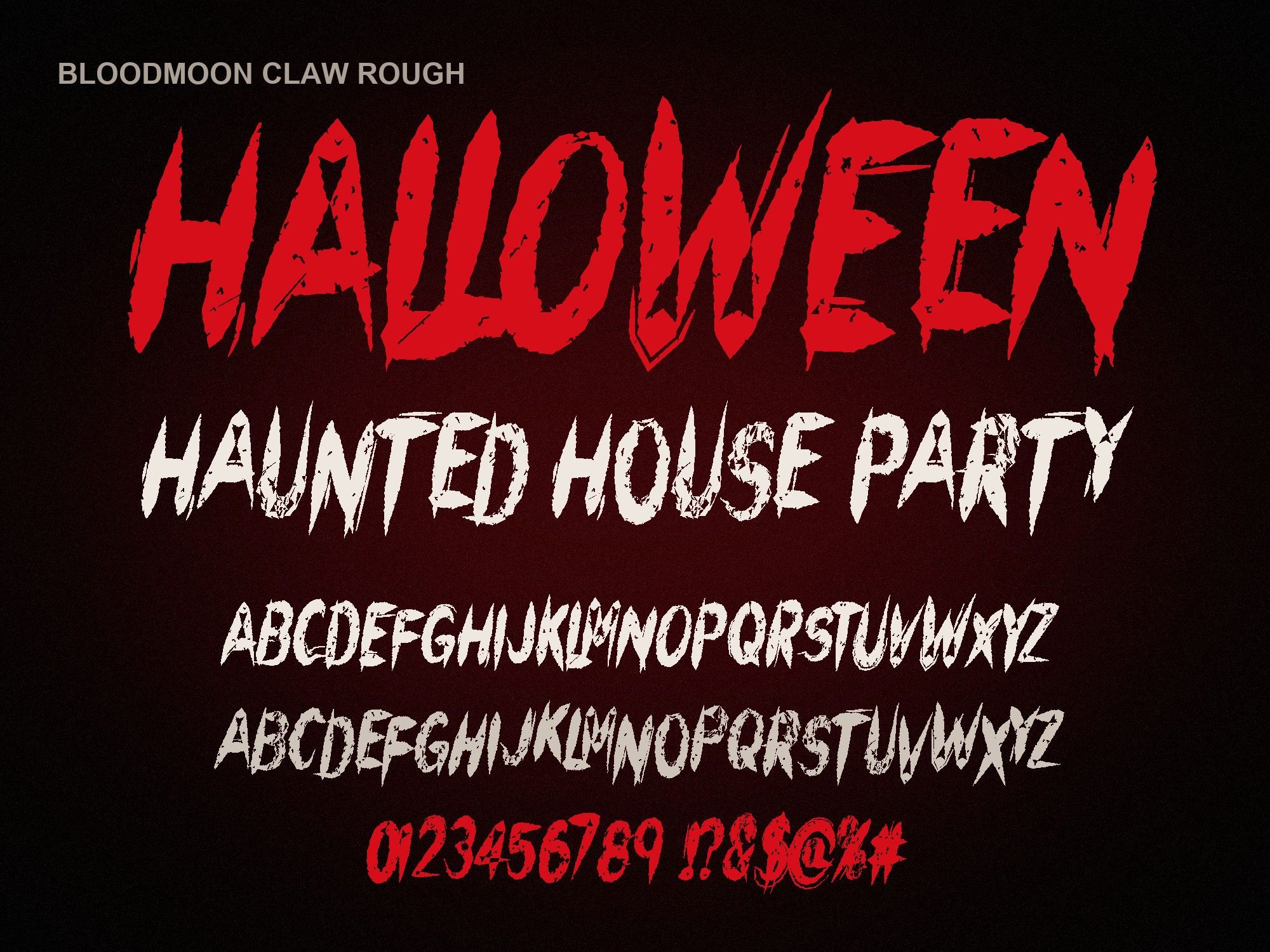
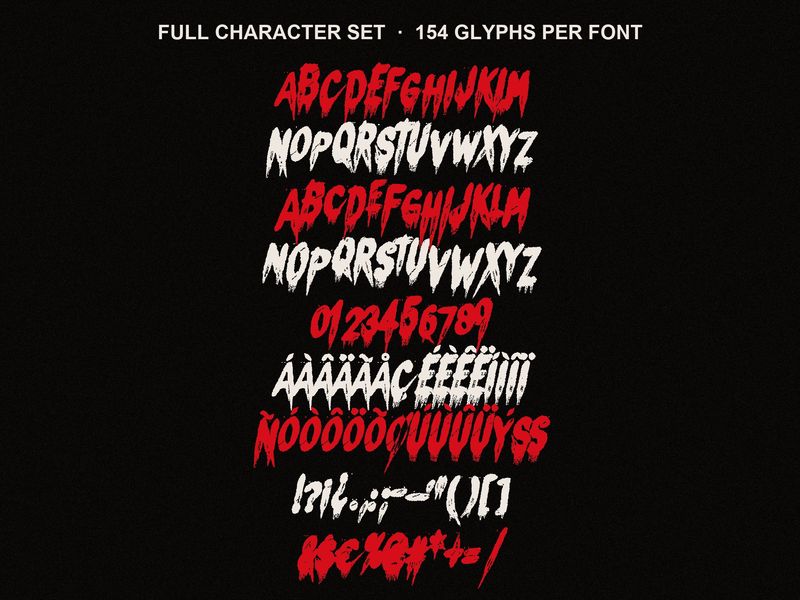
Preview shows capitals, numbers and basic punctuation. The full font adds a second drawing of every letter, accents and auto-alternates.
Troubleshooting
The font isn't showing up
- Quit Design Space all the way and reopen it. This fixes most cases.
- Check that it's really installed. On Windows, open Settings and search for Fonts. On a Mac, open the Font Book app. Search for the font name.
- Make sure you unzipped first. Installing from inside a zip on Windows often silently fails.
- Try the TTF. Uninstall the OTF, install the TTF version of the same font, and restart Design Space.
- Restart the computer if nothing else works.
Letters cut as separate pieces
Design Space treats each letter as its own shape, so overlapping letters get cut on top of each other. Select the text and use Weld. It merges everything into one outline that cuts cleanly. Do this last, since welded text can no longer be edited as text.
Drips are too thin to cut or weed
Dripping fonts have narrow tails. On small designs those tails become slivers that tear or lift. Size the text up, or switch to a style with no drips. Our claw scratch font has solid, sharp cuts that weed much more easily on small decals.
The letters look the same every time
Our fonts have a second drawing of every capital on the lowercase keys. Type "BoO" instead of "BOO" and the two O's look different. Doubled letters also switch on their own in apps that support it, but Design Space may not do that, so mixing cases by hand is the reliable trick.
Next steps
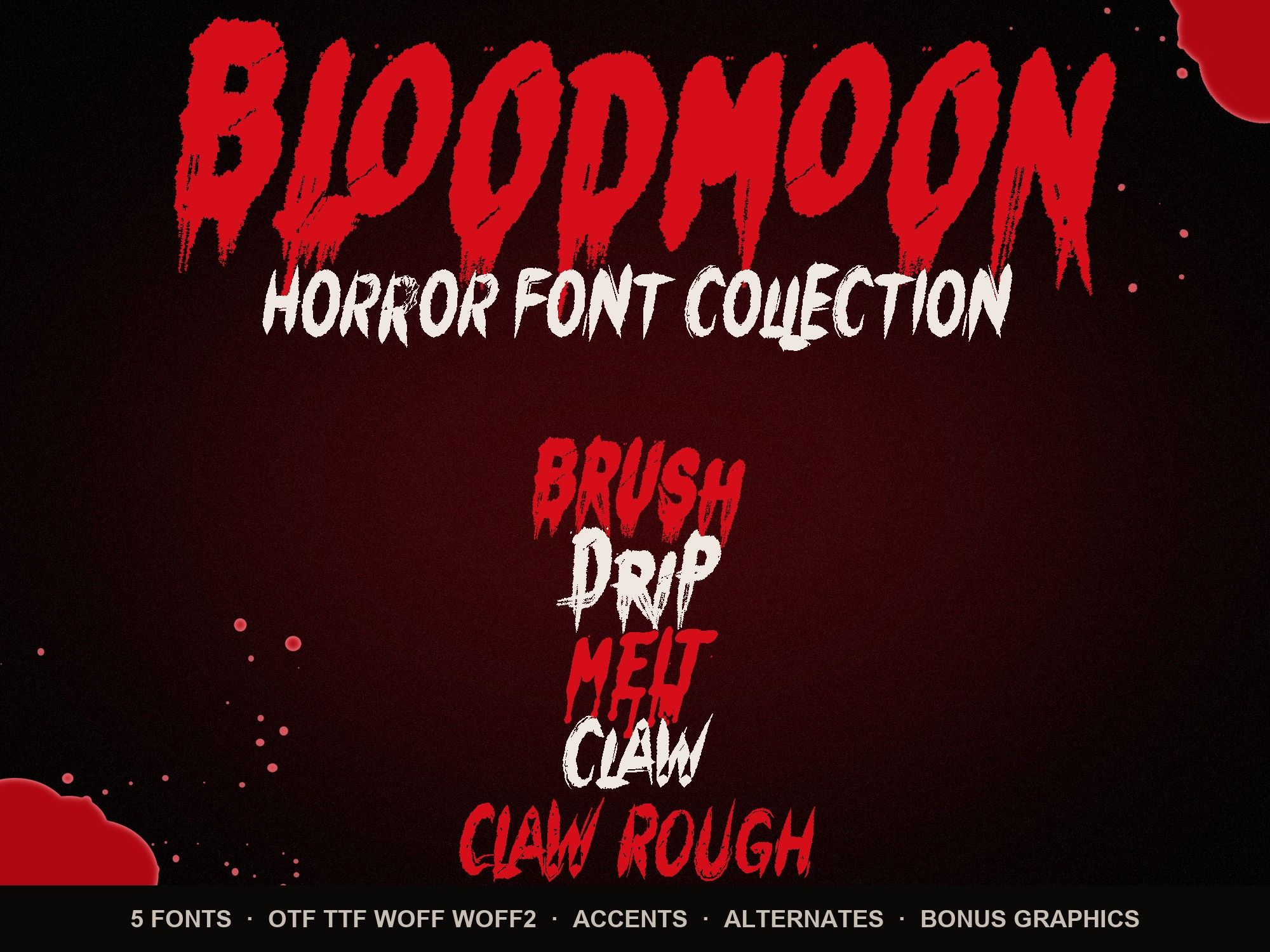
For project ideas like porch signs, mugs and treat bags, see Halloween fonts for Cricut. Not sure which style to pick? The best Halloween fonts guide compares all five. The horror font bundle also includes transparent PNG splatters and drip borders you can print-then-cut. Every purchase covers Cricut projects you sell; the details are on the font license page.
Instant download from Gumroad · OTF, TTF, WOFF, WOFF2 · Commercial license · Use LAUNCH30 for 30% off until Oct 31