Horror Fonts for Procreate
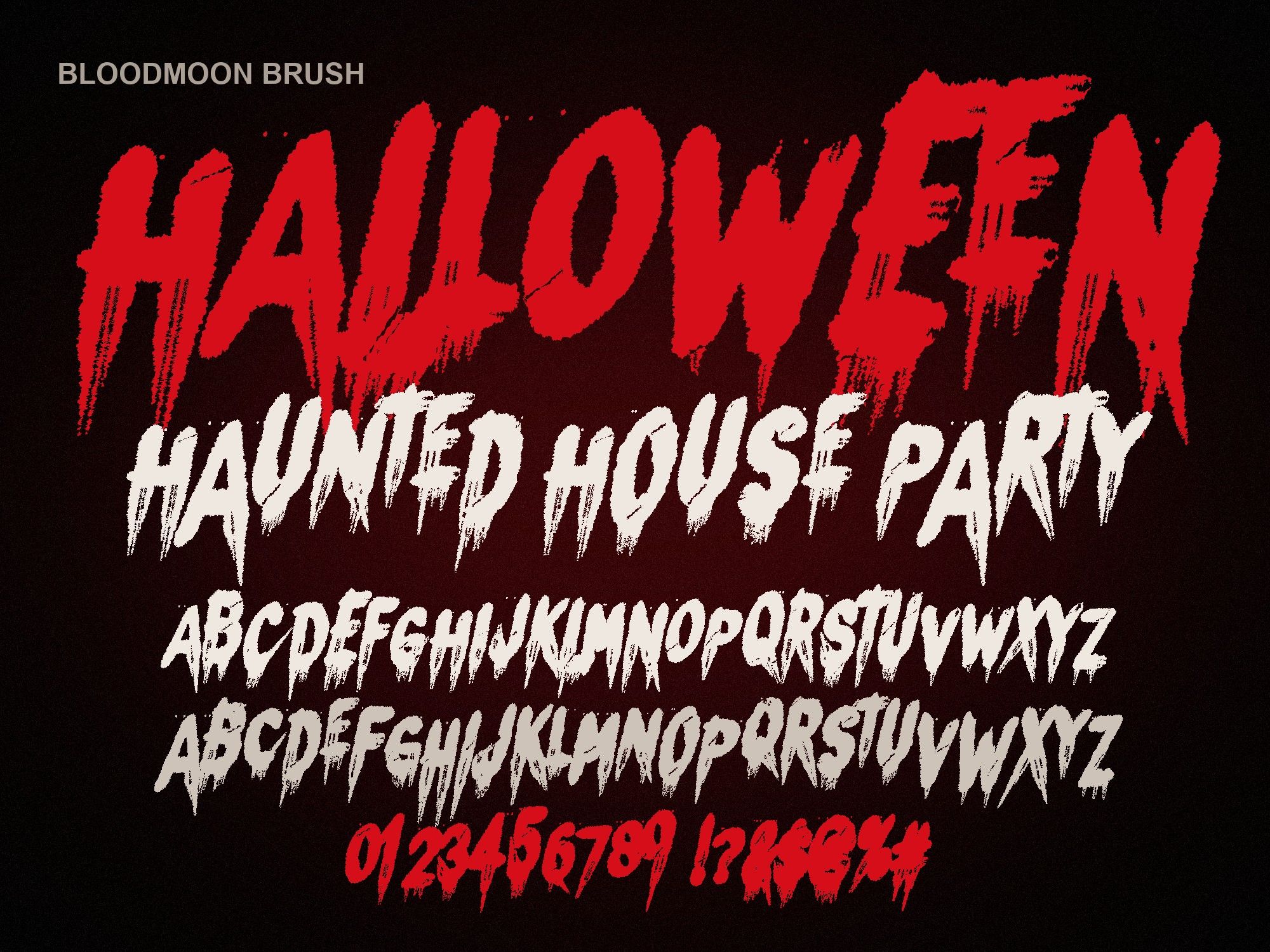
Hand-lettering blood drips on an iPad takes ages. These horror fonts for Procreate give you a base of dripping, melting or slashed letters in seconds, so your time goes into shading and texture instead of drawing every A by hand.
Import a font into Procreate
- Save the .otf to Files. Download the zip on your iPad, tap it in the Files app to unzip, and leave the .otf somewhere easy to find.
- Open a canvas and tap Actions (the wrench icon).
- Tap Add, then Add text. A text box appears on a new layer.
- Tap Edit style. The font panel opens.
- Tap Import font. Browse to the .otf in Files and select it. It's now in your font list for every canvas.
iPad tricks that make it look hand-made
- Rasterize, then paint more drips. Duplicate your text layer, rasterize the copy in the layer menu, and drag a few extra drips down with a hard round brush. Nobody will guess it started as a font.
- Layer the splatter PNGs. The bundle's six blood splatter PNGs import as transparent images (Actions, Add, Insert a file). Set them to Multiply under the lettering for depth.
- Lock alpha for a wet shine. Turn on Alpha Lock on the rasterized text and brush a lighter red along the top edge of each letter.
- Alternate the letter drawings. Lowercase keys give a second drawing of each capital. Mixing them breaks up repeated letters in words like "KILLER".
Which style for which drawing
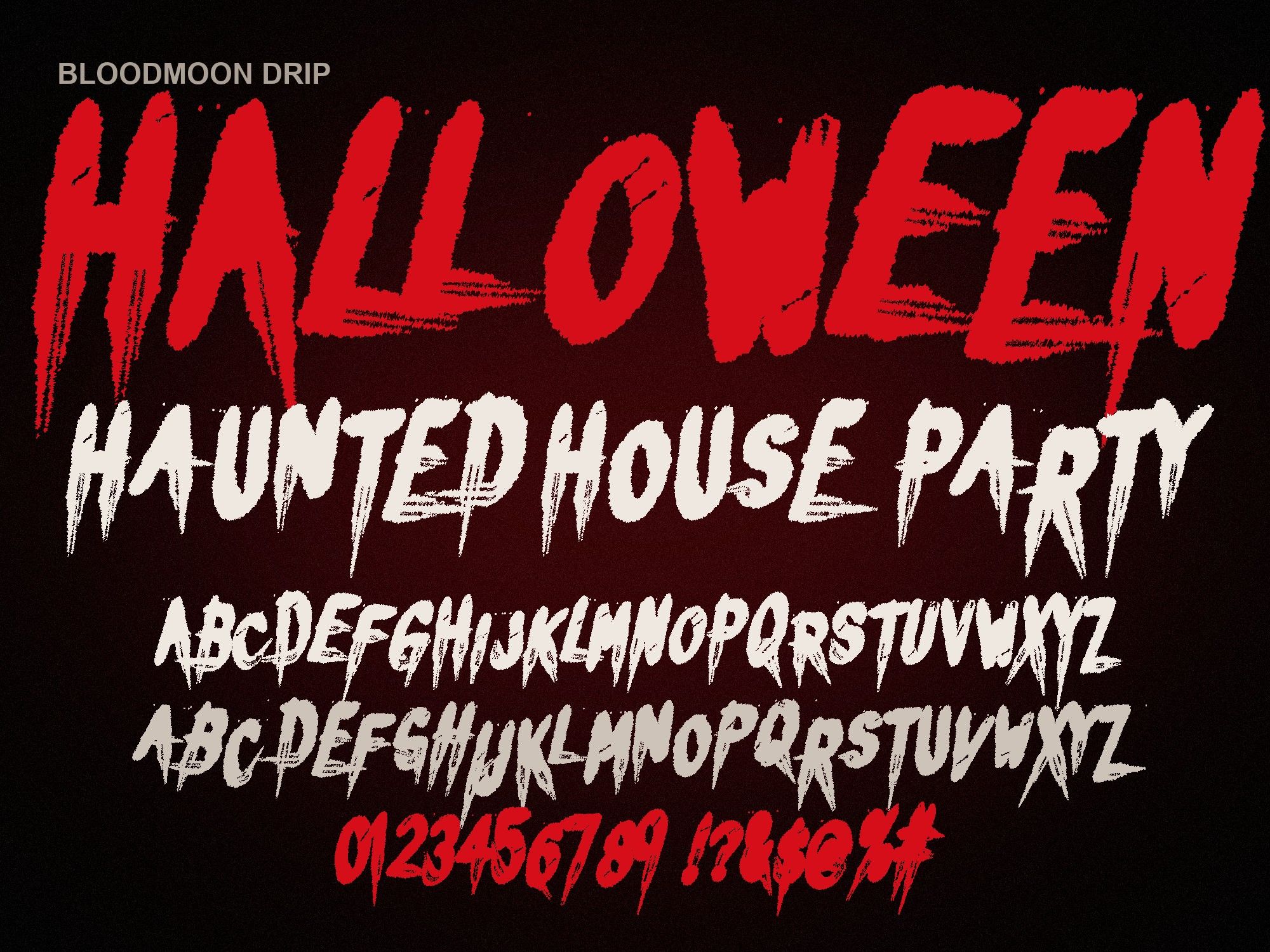
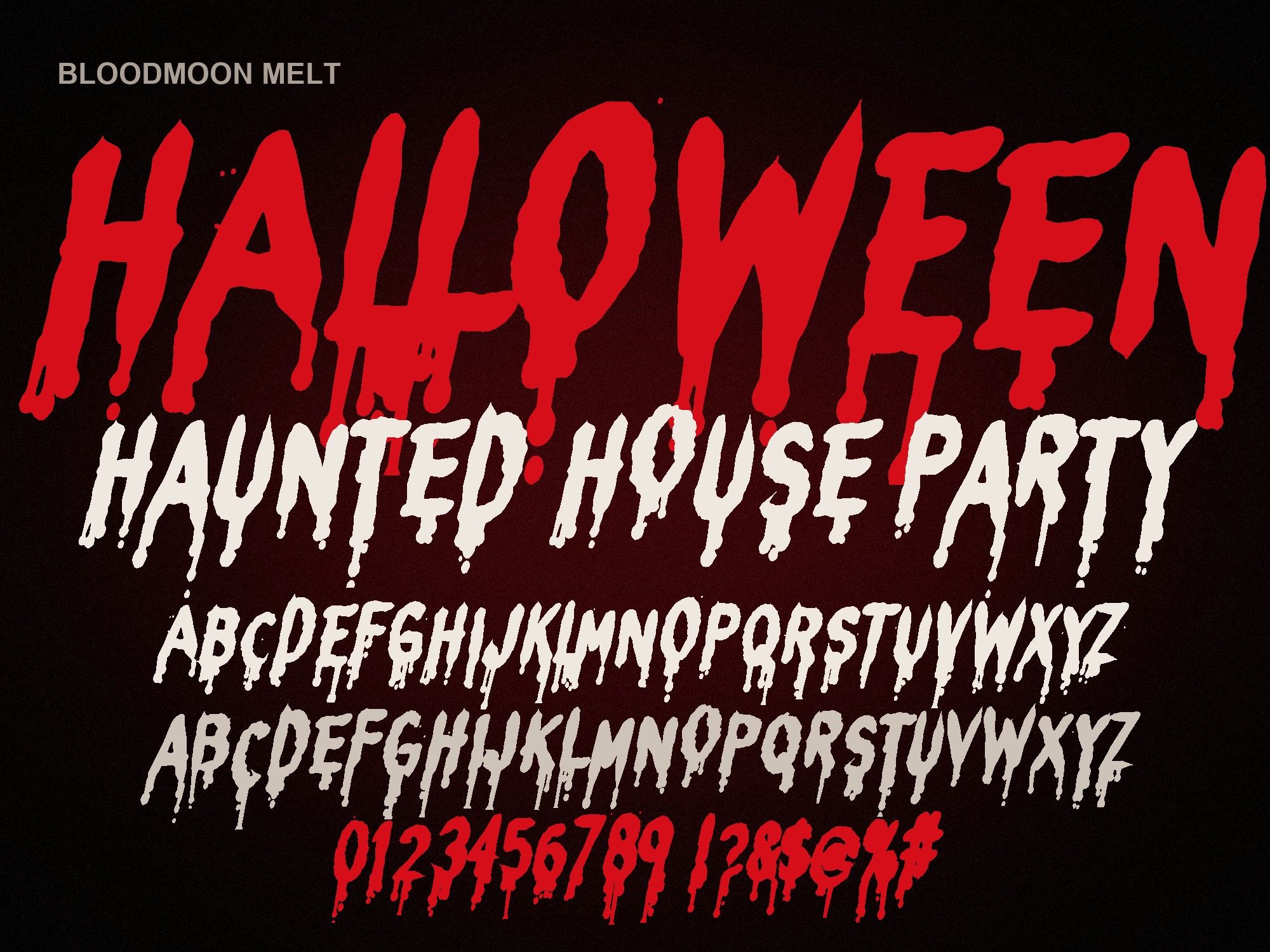
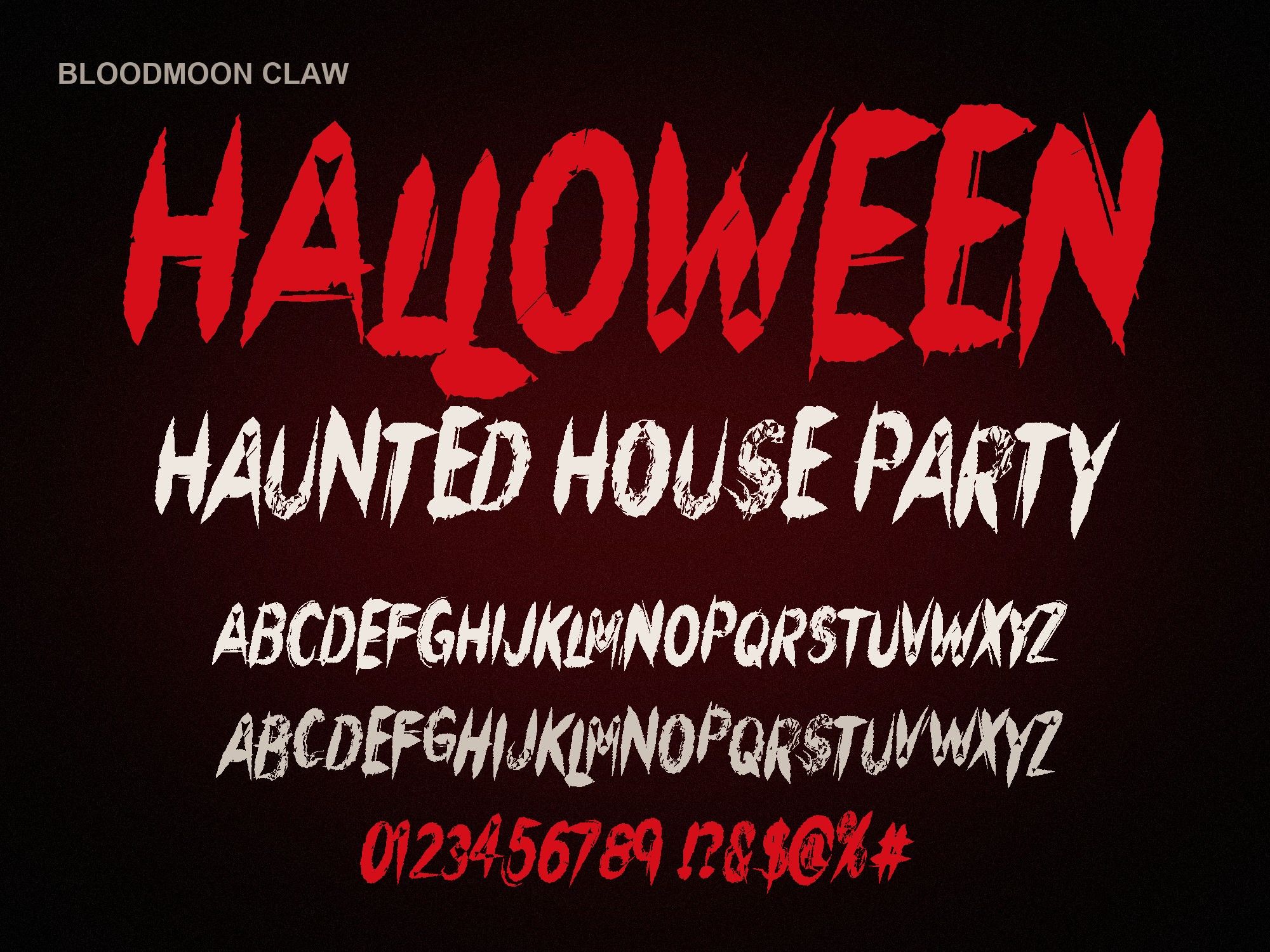
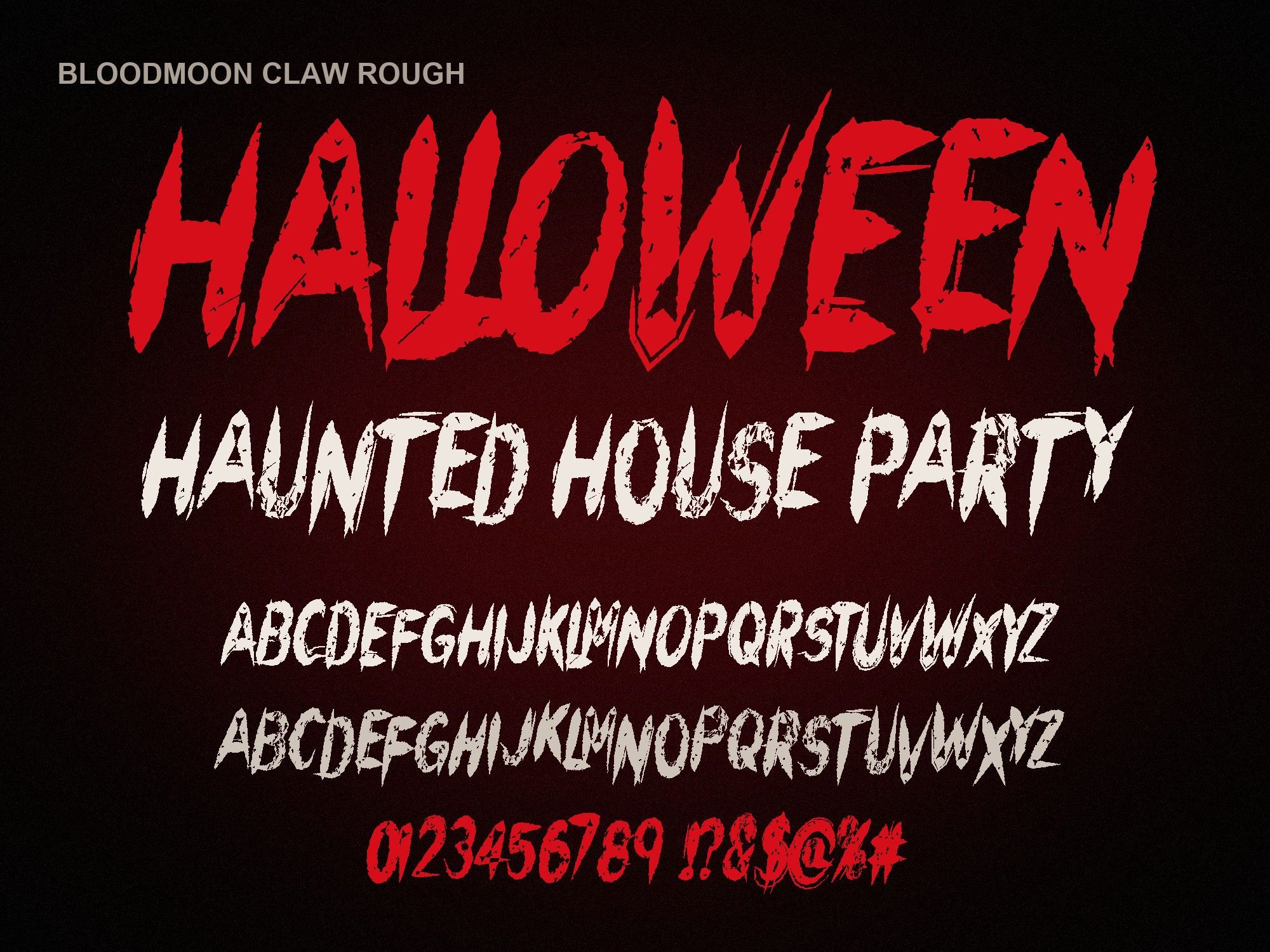
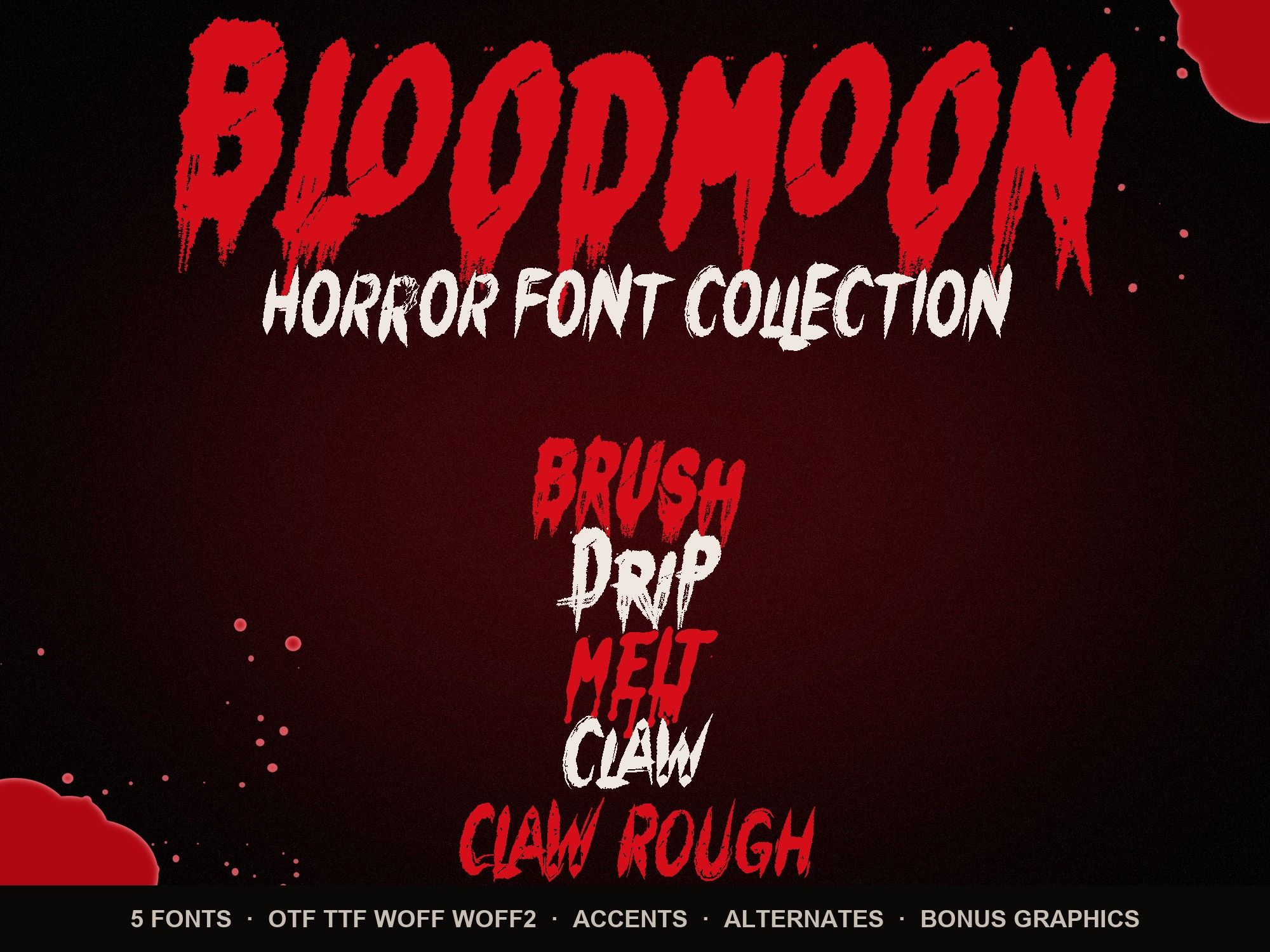
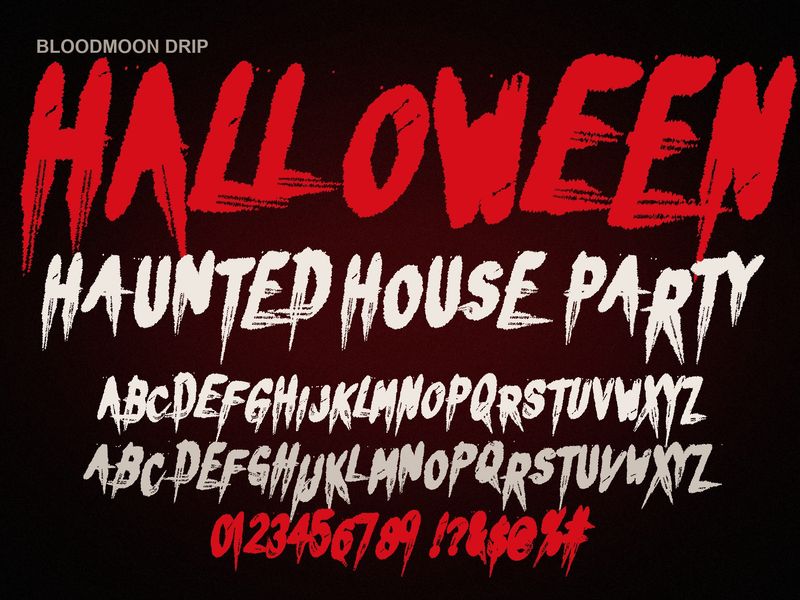
The bloody dripping letters font (Bloodmoon Drip) has the longest tails, so it suits poster art where drips run off the page. For a shirt graphic with heavy texture, the distressed scratch font already looks worn. The melting blood font is the one to use if your text has to stay readable on a small sticker. Type a word to compare:
DEAD OF NIGHT
Preview shows capitals, numbers and basic punctuation. The full font adds a second drawing of every letter, accents and auto-alternates.
Bloodmoon Drip costs $6. The horror font bundle is $14 for all five plus the splatter and border PNGs.
Instant download from Gumroad · OTF, TTF, WOFF, WOFF2 · Commercial license · Use LAUNCH30 for 30% off until Oct 31
Questions people ask
Do I need a computer to get the fonts into Procreate?
No. Download the zip on the iPad, unzip it in the Files app, and import the .otf straight from Procreate. No other app is needed for Procreate itself.
Can I edit the text after I rasterize it?
No. Once a text layer is rasterized it becomes pixels, and you can't retype it. Duplicate the text layer first and keep the copy hidden as a backup.
Can I sell prints and stickers made in Procreate with these fonts?
Yes. Printed products you sell, print-on-demand and social posts are all covered. You can't share the font file itself. See the license.