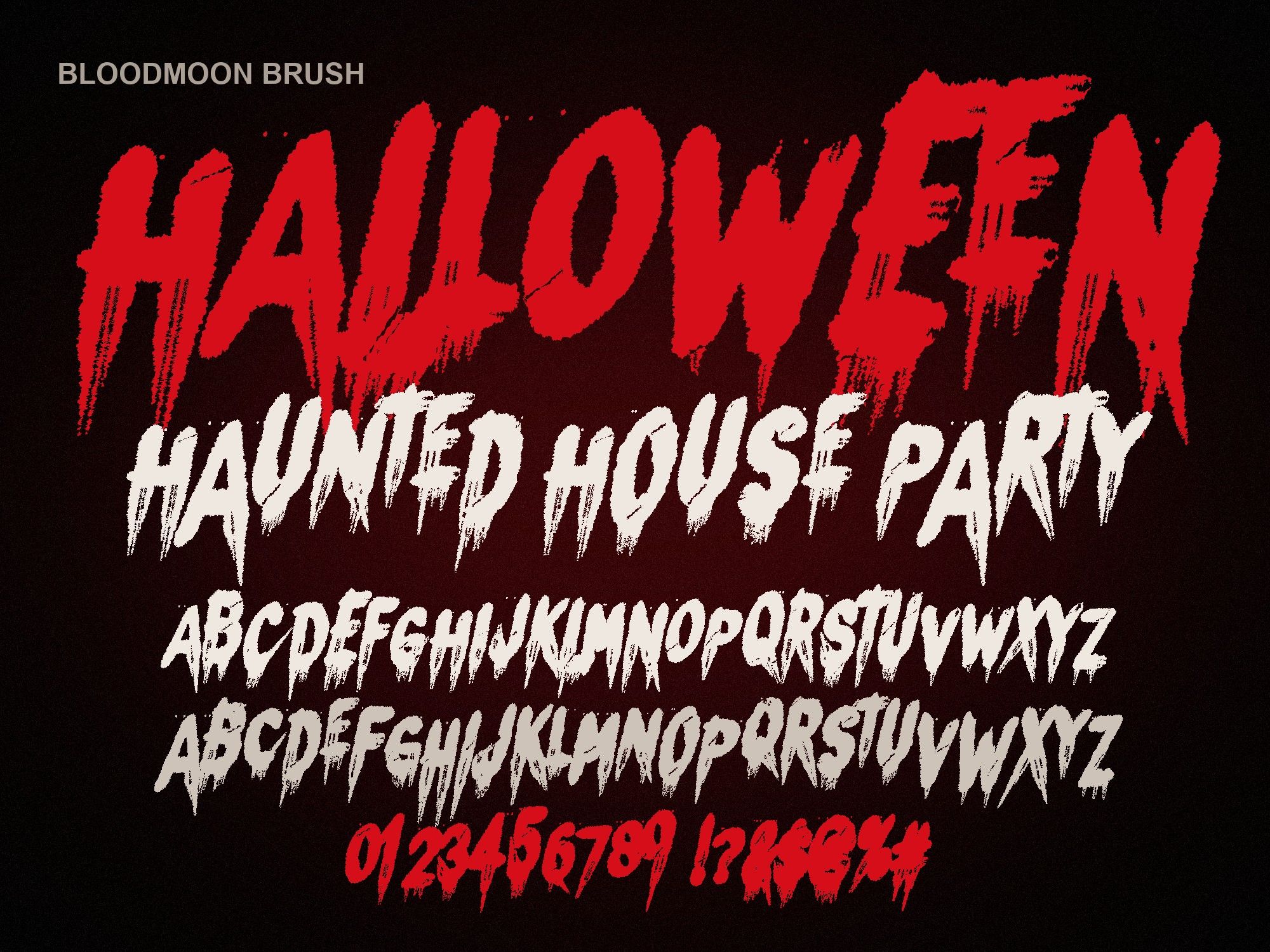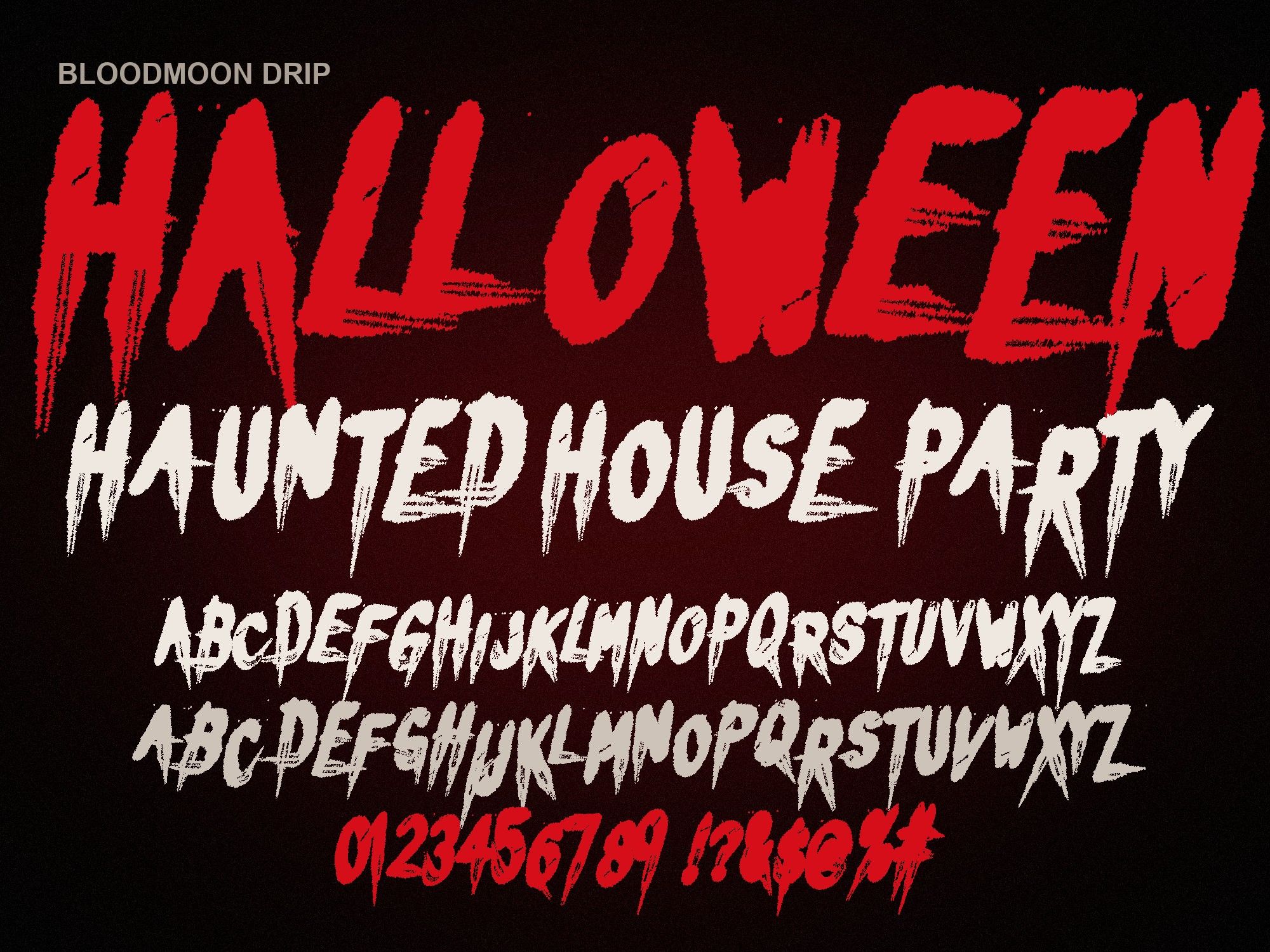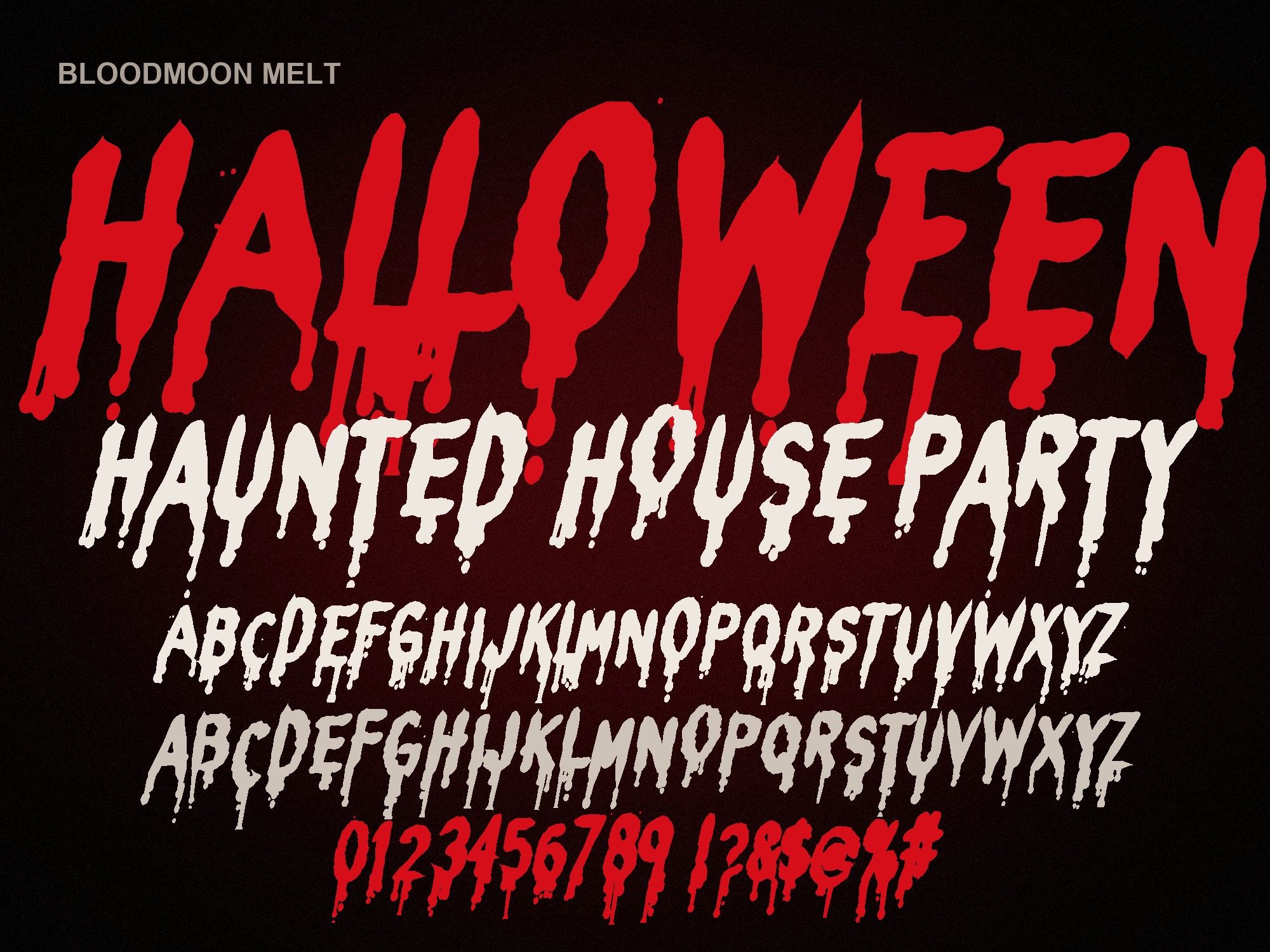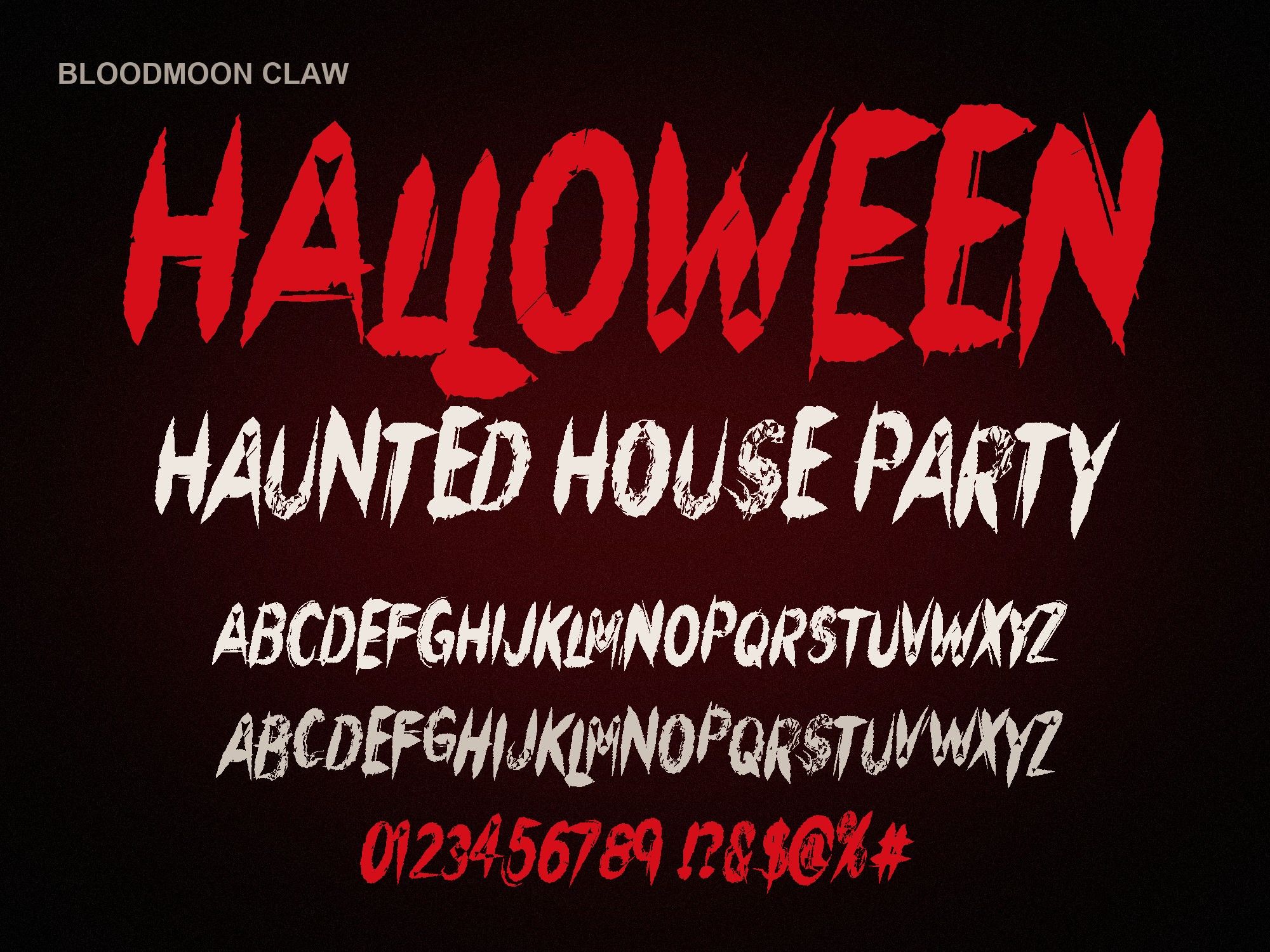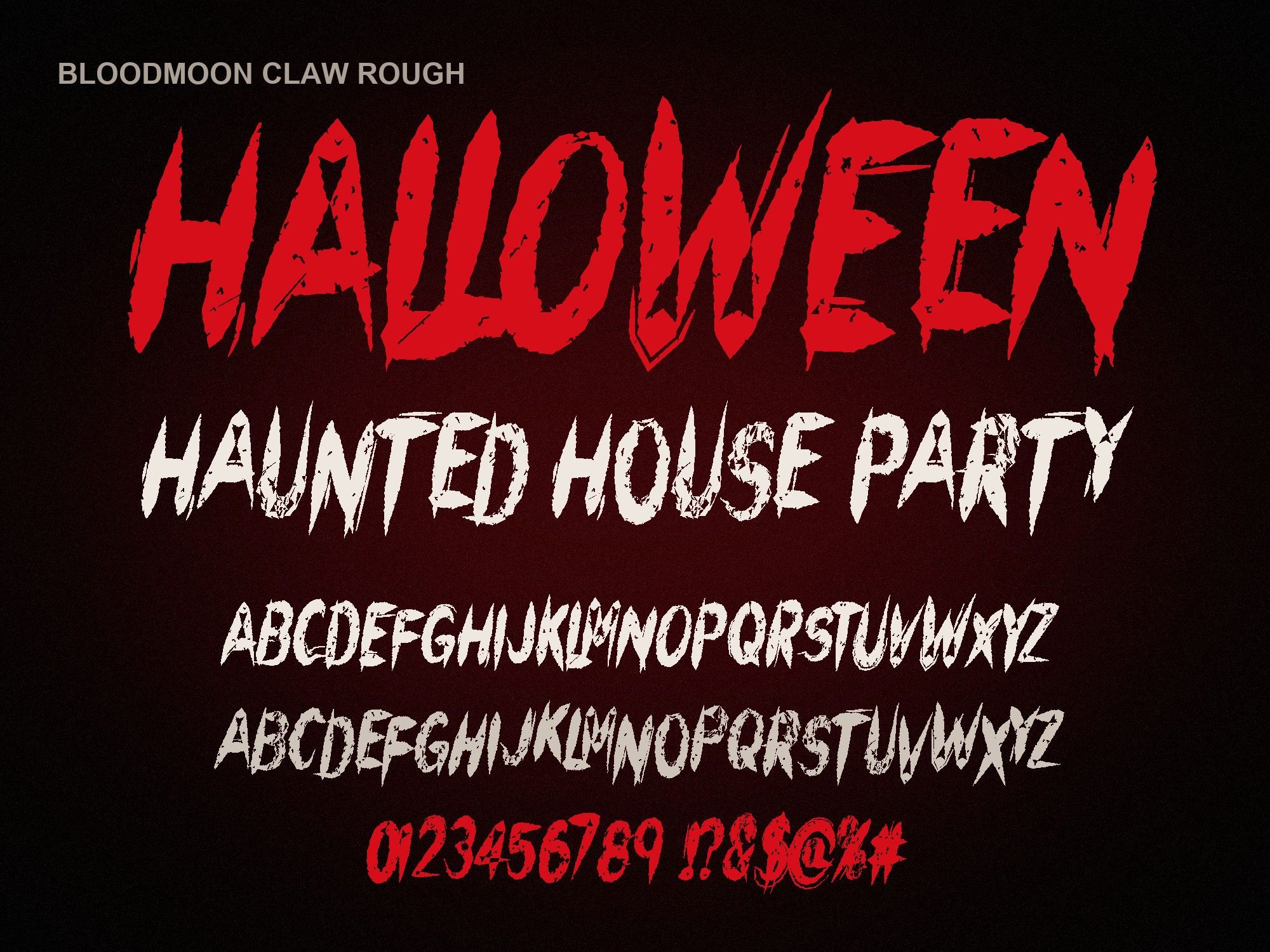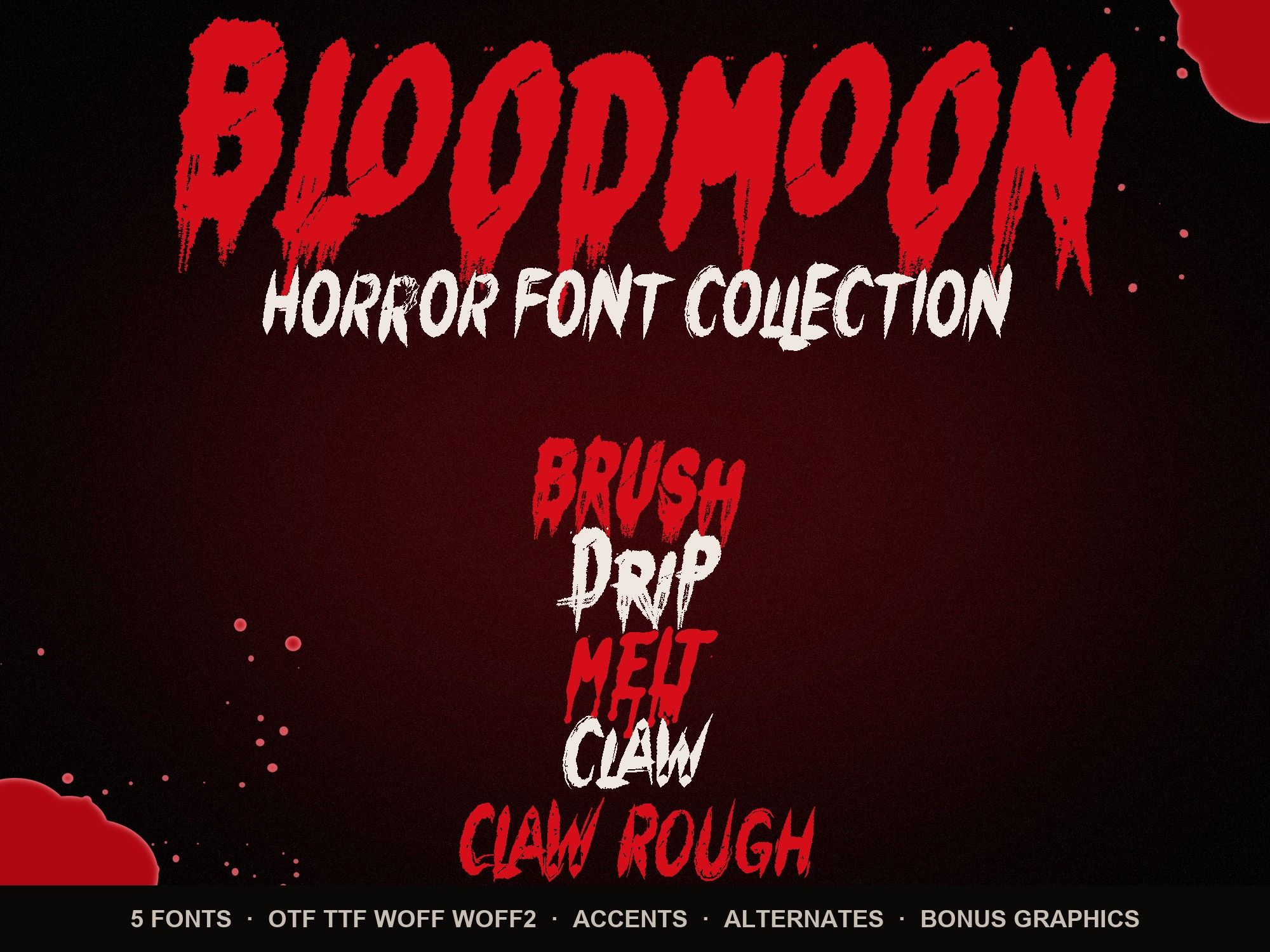
Halloween Fonts for Canva
These Halloween fonts for Canva give you dripping, melting and slashed lettering you can type, resize and recolor inside your designs. One thing up front: Canva only lets you upload your own fonts on a Canva Pro or Canva Teams plan. A free account can't add them.
Upload a font to Canva
- Unzip the download on your computer. Find the .otf file for the font you bought.
- Open your Brand Kit. In Canva, go to Brand Kit from the home screen.
- Choose "Upload a font". It sits in the fonts section of the Brand Kit.
- Pick the .otf file. The upload takes a few seconds.
- Open any design. Add a text box and the font is ready to pick from the font list.
Want the full walkthrough with color, shadow and layering? Read how to make dripping blood text in Canva.
Canva tips for horror lettering
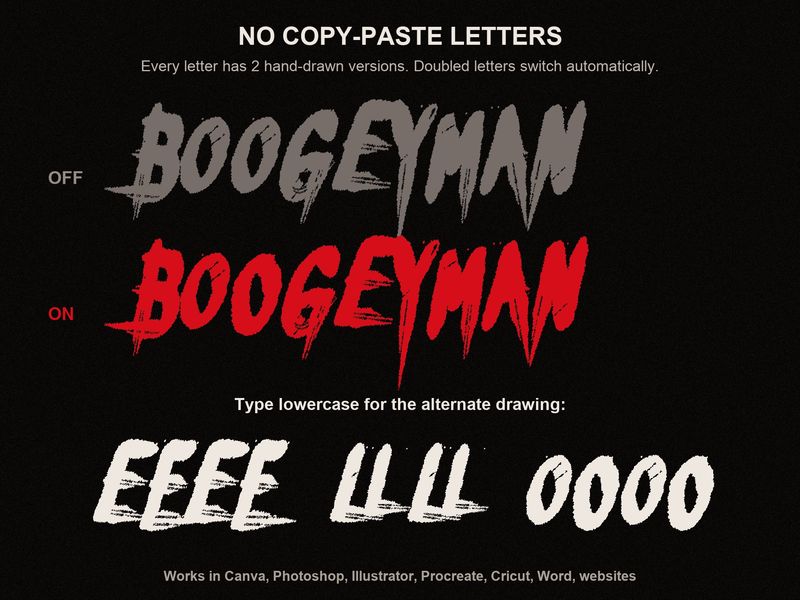
- Use the doubled letters. Type "BOO" or "SCREEN" and Canva swaps the second O or E for a different drawing. The image above shows the difference.
- Raise line spacing. Drips hang below each line. In the Spacing panel, push line spacing up so the second line doesn't sit in the first line's blood.
- Mix cases on purpose. Lowercase keys type a second version of each capital. "NiGHTMaRE" gives you two looks in one word.
- Add a dark drop shadow. A soft black shadow behind red letters lifts them off busy photo backgrounds.
- Don't set body text in it. Keep the horror font for the headline and use a plain Canva font for times and addresses.
Start with one style
If you're unsure, the dripping blood font (Bloodmoon Brush) is the most recognizable. Instagram stories, YouTube thumbnails and event posts all read it instantly. Test your own headline below:
NIGHTMARE NIGHT
Preview shows capitals, numbers and basic punctuation. The full font adds a second drawing of every letter, accents and auto-alternates.
Bloodmoon Brush is $6. Or upload the whole horror font bundle for $14, which adds transparent splatter and drip-border PNGs you can drop straight onto a Canva page.
Instant download from Gumroad · OTF, TTF, WOFF, WOFF2 · Commercial license · Use LAUNCH30 for 30% off until Oct 31
Questions people ask
Can I upload these fonts with a free Canva account?
No. Uploading your own fonts is a Canva Pro or Canva Teams feature. On a free account the Upload a font option won't be available. Our free dripping blood text generator makes a PNG you can place in any Canva design instead.
Which file do I upload to Canva?
The .otf. Canva also accepts .ttf, but the OTF is the one we recommend. Don't upload the WOFF files; those are for websites.
Can I sell designs I make in Canva with these fonts?
Yes. Social posts, printed products you sell and logos for your business or a client are covered. Selling editable Canva templates that contain the font needs an Extended License. See the license.
Do the automatic alternates work in Canva?
Yes. Canva supports OpenType, so doubled letters like OO or EE switch to the second drawing on their own.